Self-growth
 Business & Career
 Success
 Communication
 Healing
 Relationships
 Psychology
 Happiness
Have you ever stood in a bookstore, staring at a beautiful hardcover, only to realize you have no idea if you already own it? You're not alone. As your personal library grows, keeping track of every title, author, and edition becomes a challenge that a simple spreadsheet can't solve.
The best book catalog app helps you inventory your collection and ensures you actually get value from the pages you own. Whether you want to scan barcodes to avoid duplicates or track your reading progress, finding the right tool is the first step to a more organized intellectual life.
Quick answer: What is the best book catalog app in 2026?
Best for multimedia: Libib lets you catalog up to 5,000 books, movies, and video games for free.
Best for metadata: LibraryThing offers professional-grade library data and a thriving community for free.
Best for speed: CLZ Books features the most reliable barcode scanner for quickly inventorying extensive collections.
Best for power users: BookBuddy provides high customization for iOS users to track lending and specific locations.
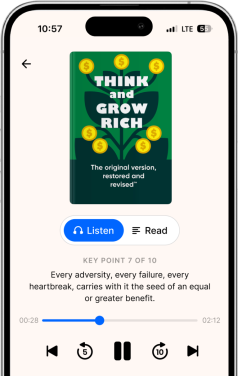
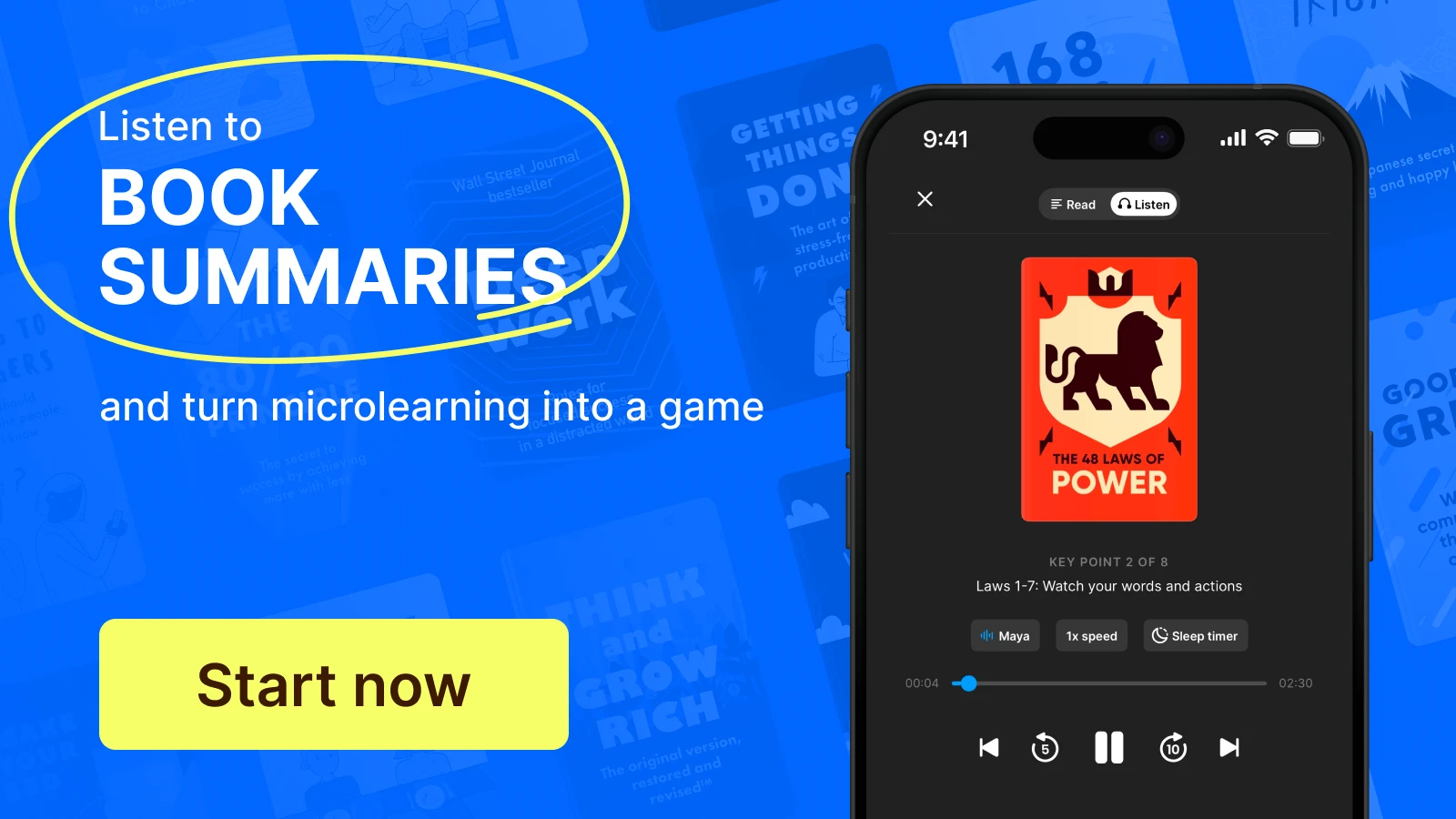
Best for personal growth: Headway isn't just a book catalog app; it's your digital bookshelf, designed to help you absorb key ideas from thousands of books through concise, actionable summaries.
📘 Discover smarter reading with Headway.
How a book catalogue app can help your home library
Owning a home library is a joy, but managing it can feel like a full-time job. Without a dedicated book inventory app, it's easy for your "To Be Read" (TBR) pile to turn into a "Never Will Read" mountain. You might find yourself buying the same book twice or forgetting the name of that life-changing memoir you lent to a friend months ago.
A personal library app allows you to carry your entire collection in your pocket. You can quickly check your inventory while browsing sales, create a wishlist for future purchases, and categorize your books by genre, mood, or physical location. It transforms a chaotic shelf into a searchable, functional resource for your self-growth journey.
Top 6 best book catalog app picks for serious collectors
Choosing the best book collection app for cataloging books requires looking at how you interact with your library. Here are the top contenders for 2026.
Note: All prices are current as of February 2026. We recommend visiting the official websites of these apps before purchasing to check for the latest updates.
1. Libib
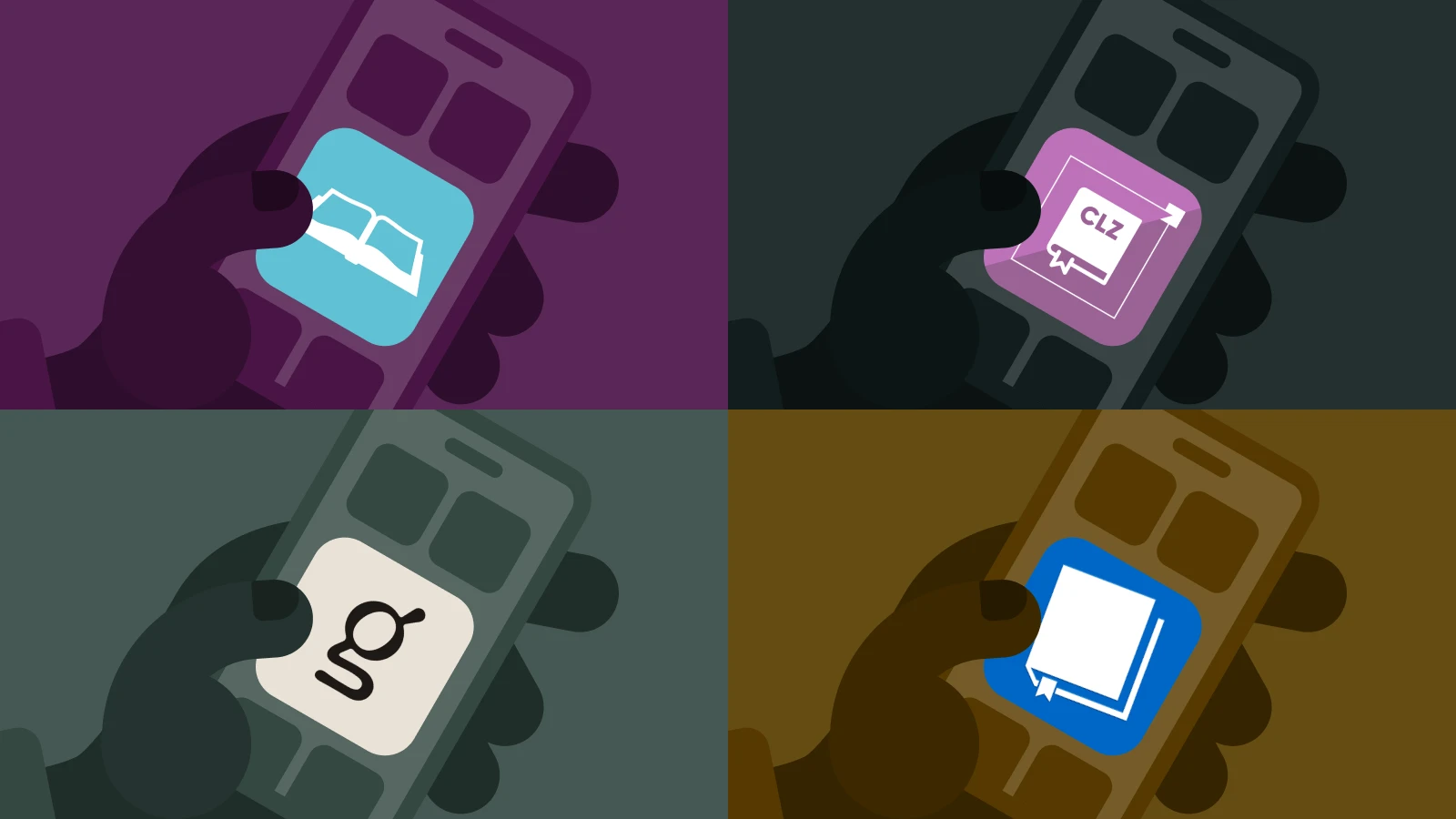
Libib is a versatile choice if you have a diverse media collection. It allows you to catalog books, movies, music, and video games in one place. The user-friendly interface makes it easy to create up to 100 different libraries.
Best for: Collectors who want to mix media in one database and are looking for a free book catalog app
Key features: Cloud sync, multiuser management (Pro), and a fast barcode scanner
Pricing: Free version available (up to 5,000 items); Pro version is $9/month or $99/year
2. LibraryThing
If you want professional-level detail, the LibraryThing home library app is for you. It uses data from the Library of Congress and over 4,000 other libraries to provide high-quality book details. It's also a thriving community where you can join book clubs and talk with other book lovers.
Best for: Bibliophiles who value detailed metadata and community interaction
Key features: Cataloging by ISBN, detailed charts and stats, and an Early Reviewers program
Pricing: Completely free with no membership fees or download limits
3. CLZ Books
CLZ Books is a dedicated book collection app built for speed. Its primary strength is the built-in camera scanner, which has a nearly perfect success rate for recognizing ISBN barcodes. It's ideal for rebuilding a digital library after a loss or for inventorying thousands of books quickly.
Best for: Users with massive libraries who need the best app to catalog books fast
Key features: Automatic cover art, book values, and easy export to Excel or CSV
Pricing: $1.99/month or $19.99/year after a 7-day free trial
4. BookBuddy
BookBuddy is the best personal library app for iPhone and iPad users. It allows for vast complexity in organization while maintaining a simple design. You can track reading status, physical locations, and even custom fields you create yourself.
Best for: iOS users who want a highly customizable book organizing app
Key features: Lending and borrowing tracking, multilevel categorization, and Goodreads import
Pricing: Free version (limited items); Pro version is a $9.99 lifetime purchase
5. Goodreads
While widely known as a social network for readers, Goodreads remains a popular free book cataloging app. It's an excellent free home library cataloging software for tracking your reading progress and seeing what your friends are reading. Since it is owned by Amazon, it integrates easily with your Kindle.
Best for: Social readers who want to track what they "Want to Read" and see reviews
Key features: Reading Challenge, personalized recommendations, and a massive community
Pricing: Free
6. iCollect Books
iCollect Books is a strong choice for people who want to track every tiny detail about their items. While the full suite requires payment, the limited version may be the best free app for cataloging books if you only have a few titles to inventory. However, be aware that the free version strictly limits the number of books you can download to your database.
Best for: Teachers and collectors who have rare or older books without ISBNs
Key features: AI identification scanning, customized layouts, and a dedicated Mac app
Pricing: $2.99/month or $29.99/year for full Pro features
Key features to look for in a book collection app
Finding the right home library app means looking for specific tools that make inventorying effortless. You should prioritize an app that handles various data types and syncs across all your devices.
Scan barcodes: A fast camera scanner saves you from manually typing in every ISBN
ISBN lookup: This allows the app to automatically pull in book details, authors, and cover art
UPC code support: Useful for cataloging magazines, comic books, or media that lack a standard ISBN
CSV export/import: Important for moving your data between apps or creating an Excel backup
User-friendly interface: You should be able to find and edit your books with just a few taps
Cloud sync: It ensures your library is accessible on your phone, tablet, and desktop
Beyond the shelf: Why Headway is the ultimate companion to your book catalog
A traditional library app tells you what you own, but it doesn't help you with the most crucial part: reading. Many people have a "dead library" — shelves full of brilliant books that stay unread for years because life gets in the way. Headway is the companion that solves this "unread book problem."
While you use an app like Libib as an app to scan books for inventory and manage your physical bookshelf, Headway helps you digest the ideas inside those books. It bridges the gap between owning a book and actually learning from it.


Personalized growth for busy readers
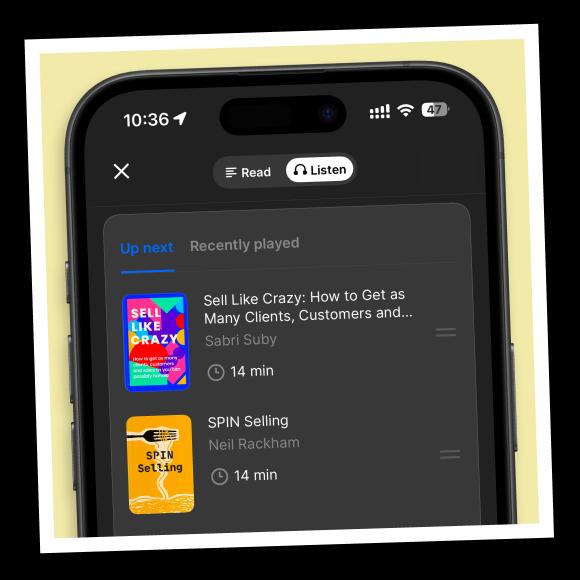
Instead of feeling overwhelmed by a 500-page book on your shelf, you can listen to a 15-minute summary on Headway. It's one of the best book library apps, building a personalized growth plan based on your goals and recommending summaries that fit your interests. This structure allows you to "pre-read" your library and decide which titles deserve your full attention.
Retain knowledge with spaced repetition
A common struggle with reading is forgetting the key points a week later. Headway uses spaced repetition cards and highlights to help you revisit and retain insights. If you find a life-changing idea in a summary, you can save it and let the app remind you of it until the knowledge actually sticks.
Interactive learning for any schedule
If you have a busy schedule, a single microlearning session on Headway can take as little as three minutes. You can explore Interactive Shorts — bite-sized stories that adapt to your answers — to practice solving real-world challenges like building confidence or managing deadlines. It turns your downtime into progress toward your goals.
Top five Books to start reading on Headway right now
If you want to build a better reading habit, these summaries are the perfect place to start:
'Atomic Habits' by James Clear: Learn how tiny changes in your environment can help you read more and scroll less
'The 80/20 Principle' by Richard Koch: Discover how to focus on the 20% of your books that will give you 80% of your growth
'Deep Work' by Cal Newport: Master the art of focused reading in a world full of digital distractions
'Limitless' by Jim Kwik: Improve your reading speed and memory to get through your cataloged library faster
'How to Read a Book' by Mortimer J. Adler: Understand the different levels of reading to get the most out of every title you own
Replace doomscrolling with microlearning!
Unlock your personalized growth plan with an app you'll actually use every day!
Try now📘 Ready to turn your library into a powerhouse of knowledge? Download the Headway app today and start mastering the world's best ideas in minutes.
Frequently asked questions about the best app for cataloging books
Is there a free app for cataloging books?
Yes, you can certainly find a high-quality free book organization app. LibraryThing and Goodreads are entirely free to use, with no hidden costs. Other popular choices like Libib and BookBuddy offer generous free versions. But they limit the number of books you can inventory before requiring a paid subscription or a one-time purchase.
Libib vs LibraryThing: Which is better?
The right choice depends on your specific collection. If you want to organize video games and movies alongside your literature, Libib is the better choice for media variety. However, if you're a book purist who wants the most detailed metadata and a social community focused solely on reading, then apps like LibraryThing for cataloging books might be helpful.
How do I quickly scan my books for inventory?
The most efficient method is to use one of the best library apps with a batch-scanning feature, like CLZ Books or Libib. Simply point your smartphone camera at the ISBN barcode on the back of each book. The software will instantly identify the title and automatically add all relevant book details directly into your digital database.
LibraryThing vs Libib: Which is better?
If you prioritize academic-level metadata and a large community of book lovers, LibraryThing is the app for you to organize your books. It offers unlimited storage for free. On the other hand, Libib is more modern and user-friendly for cataloging mixed media, such as movies and video games, alongside a personal book collection.
What is the best book inventory app for Android?
Both CLZ Books and Libib offer excellent Android apps that sync seamlessly across all your devices. These apps are highly rated by users for their long-term stability and ease of use. They make it easy for Android users to manage their home libraries without any technical frustration or complicated setup.
Can I sync my physical library with my digital books?
Yes, modern library management tools make this easy. The best home library app, like BookBuddy, allows you to create distinct collections or use custom tags to separate your physical hardcovers from your Kindle or Audible titles. This practice ensures that your entire literary collection is searchable and organized within a single, convenient digital interface.
Libib vs Book Buddy: Which is better?
The choice depends on your operating system and the size of your library. Libib is the best book cataloging app for multiplatform users with diverse media. But Book Buddy is a superior library management app for iOS users who want deep customization and a one-time purchase rather than a monthly subscription.