Self-growth
 Business & Career
 Success
 Communication
 Healing
 Relationships
 Psychology
 Happiness
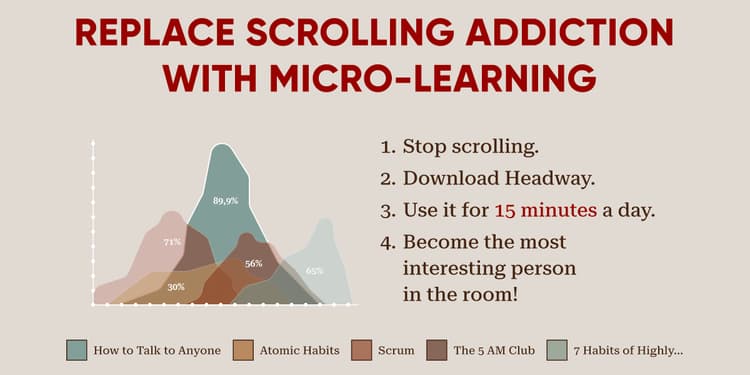
Do you ever pick up your phone just to check the time, but end up watching random videos for an hour? The good news is that you can change this habit today. A great strategy is to replace doom scrolling with microlearning app tools like Duolingo, Headway, and Impulse, which are all designed to help you grow.
Instead of spending time on social media, use those minutes to learn something new. This small change can turn your phone from a distraction into a tool for personal growth.
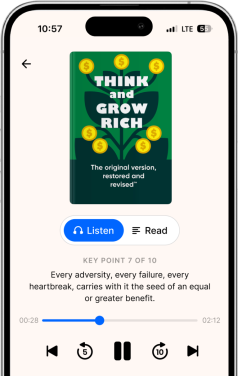
People say you are the apps you use, so why not pick ones that support your growth? Headway has short lessons in audio and text formats that help 70 million people grow every day. With the right apps, your phone can inspire you, too.
Download the Headway app now and get your personalized daily growth toolkit!
Top five microlearning apps at a glance:
Headway: Best for 15-minute nonfiction book summaries and customized growth.
Duolingo: Best for learning new languages through gamified, short lessons.
Blinkist: Best for quick audio insights from a large library of nonfiction titles.
Impulse: Best for keeping your mind focused with brain-training puzzles.
Forest: Best for building focus by gamifying the time you spend off your phone.
Keep reading to see the full list of recommended apps.
📘 Swap scrolling for mindful growth today — start with Headway!
The 10 best microlearning apps to replace doomscrolling
You need the right tools for real change. Here's a list of the best apps to help you swap endless scrolling for innovative learning. We've checked their compatibility to ensure most of these work on both Apple (iOS) and Android devices.
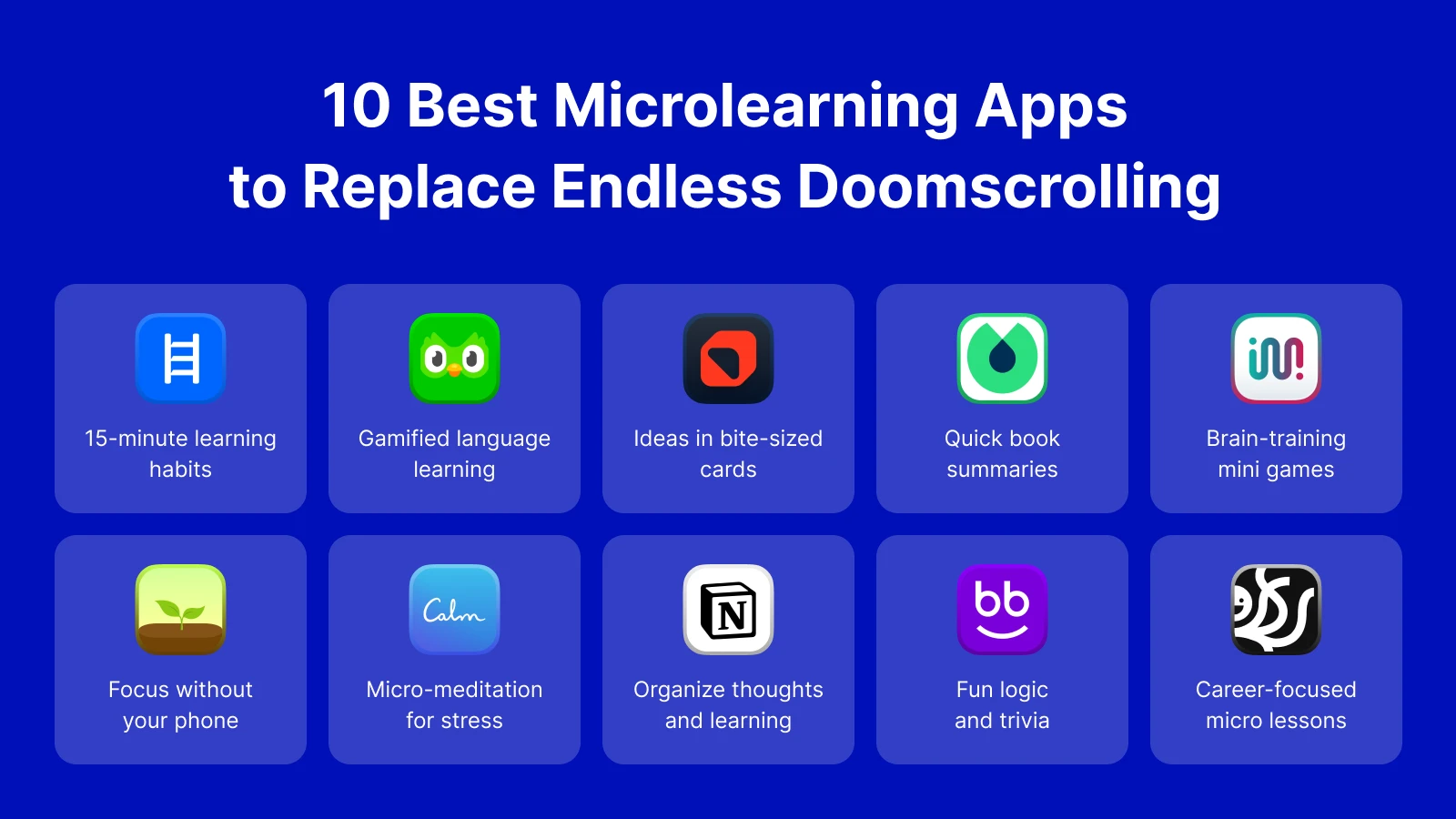 1. Headway
Platform: iOS, Android
Format: 15-minute book summaries (text and audio), daily challenges, and visual explainers.
Headway is perfect for anyone who wants to read more but lacks the time. It offers personal learning paths centered on your goals. You can read or listen to summaries in podcast form.
Scroll-stopping tip: If you have 15 minutes while waiting in line, try Headway's "Daily Read" instead of Instagram. You'll finish your wait feeling smarter instead of tired.
📘 Take back your screen time and invest in yourself with Headway.
2. Duolingo
Platform: iOS, Android, Web
Format: Gamified learning 3 to 5-minute language lessons, speaking exercises, and flashcards.
You have probably seen the green owl. Duolingo turns language learning into a game. The platform is an excellent example of gamification in education. It uses leaderboards and points to trigger that "just one more" feeling, but for learning Spanish or French instead of watching Reels.
Scroll-stopping tip: Put Duolingo on your home screen. When you want to swipe, try to keep your "streak" going by doing one quick lesson.
3. Deepstash
Platform: iOS, Android, Web
Format: Bite-sized cards with quotes, tips, and ideas.
Deepstash is unique because it organizes ideas into small cards. It feels like a social media feed, but every card is a nugget of wisdom. Deepstash is one of the best free apps for quickly discovering new ideas.
Scroll-stopping tip: If you feel like scrolling through a feed, open Deepstash. You'll still scroll, but you'll see inspiring quotes instead of negative news.
4. Blinkist
Platform: iOS, Android, Web
Format: Short audio and text book summaries.
Similar to Headway, Blinkist offers book summaries and has an extensive library of titles. While it is a strong option, many learners find Headway's challenges and visual style helpful for building their daily routine.
Scroll-stopping tip: Use it to preview a book. If you find yourself scrolling through book reviews on social media, listen to the summary here instead to decide if you want to read the whole thing.
📘 Turn your "dead time" into "growth time" with Headway!
5. Impulse (brain games)
Platform: iOS, Android
Format: Quick cognitive puzzles, logic games, and attention tests.
If you enjoy games on your phone, give Impulse a try. It has puzzles that challenge your memory, math, and logic skills. It's fun, but also helps your brain stay sharp.
Scroll-stopping tip: If you're bored and want a break, play an Impulse game. The puzzles entertain you and also keep your mind active.
6. Forest
Platform: iOS, Android, Chrome Extension
Format: Gamified timer and focus tracker.
Forest is unique because it helps you stay off your phone entirely. You plant a digital tree, and it grows as long as you don't touch your phone. If you leave the app to check social media, your tree dies.
Scroll-stopping tip: Set a 20-minute timer when you want to focus. Watching your digital forest grow gives you a reward for staying off your phone.
📘 Stop losing hours to social media — get smarter with Headway!
7. Calm
Platform: iOS, Android, Web
Format: 3 to 10-minute guided meditations, sleep stories, and breathing exercises.
Sometimes, we doomscroll because we are stressed or anxious. Calm offers micro-meditations to help you breathe and relax. Instead of looking for a distraction, you take some time to check in with yourself.
Scroll-stopping tip: If you catch yourself scrolling late at night, close the social app and open a "Sleep Story" on Calm to help your brain drift off naturally.
8. Notion
Platform: iOS, Android, Web, Mac, Windows
Format: Customizable notes, databases, and workflows.
Notion offers powerful features for active learning. You can create your own "knowledge base" or life wiki. The platform turns passive screen time into active planning.
Scroll-stopping tip: If you find something interesting online, don't just "like" it. Save it in Notion onto a "To Learn" list. This way, you turn a quick reaction into a real plan.
9. Nibble
Platform: iOS, Android
Format: Interactive logic lessons and trivia-style quizzes.
Nibble offers engaging lessons on math, science, and art. If you have ever wanted to understand how the universe works or how to calculate percentages quickly, this is a fun choice.
Scroll-stopping tip: Try Nibble during commercial breaks or short pauses. Instead of checking a feed, answer a trivia question to boost your knowledge.
📘 Make your phone a tool for success, not a distraction — download Headway!
10. Skillsta
Platform: iOS, Android (availability varies)
Format: Coaching-style micro-lessons and case-based learning.
Skillsta focuses on real-world professional skills. The app offers coaching-style lessons that help you with your career. They are great if you want to use your commute to improve your job.
Scroll-stopping tip: Use your commute for career growth. Instead of reading random news, finish a short lesson on leadership or communication before you get to work.

What is doomscrolling (in plain English)?
Doomscrolling is the act of spending a lot of time on your phone looking at bad news or mindless content. It happens when you keep swiping up on your screen, looking for the next interesting thing.
For example, you might open an app to see what your friends are doing. But then, an algorithm shows you a video about a scary event.
Then you see another video. Before you realize it, thirty minutes have gone by, and you feel anxious or tired. Apps are built to keep us watching.
Is doomscrolling actually harmful?
Yes, it can be harmful. Constantly seeing negative news or perfect images of others can affect your mood. Experts say that too much time on negative feeds can damage your mental health.
According to Harvard Health, doomscrolling can reinforce negative thoughts and increase anxiety. It also shortens our attention spans, making it harder to focus on real-world tasks like homework or reading a long book.
📘 Trade 15 minutes of scrolling for a lifetime of wisdom on Headway!
Why microlearning works against doomscrolling
Microlearning is a fancy word for learning in small chunks. You learn for just 5 to 15 minutes instead of sitting in a class for an hour.
When you try to replace doom scrolling with microlearning app sessions, you are using the same device but for a different purpose. Social media is passive. You watch. Microlearning is active. You think, read, or listen with a goal in mind.
The science of short lessons
Short bursts of information help retention, meaning you remember more of what you learn.
Since our attention spans are getting shorter due to smartphones, microlearning meets us where we are. Short sessions give us a sense of accomplishment quickly, which releases dopamine. That's the same happy chemical social media uses, but this time, it comes from doing something good for yourself.
📘 Clear your mind and boost your focus with daily insights on Headway!
Top five benefits of replacing doom scrolling with a microlearning app
Switching from endless feeds to learning apps changes your brain and your mood. Here's why this swap is so powerful:
Builds intentional habits: You stop opening apps by accident and start opening them on purpose.
Less anxiety: You avoid the negativity often found on social media feeds.
Improved focus: Short lessons train your brain to pay attention better.
Skill development: You can learn a new language or skill in the time it takes to check Instagram.
Better sleep: Less blue light and stress before bed means you rest better.
📘 Feel accomplished, not anxious, after using your phone — try Headway!
Seven practical steps to replace doom scrolling with microlearning
Knowing which apps to use is only half the battle. You also need a plan. Here are seven steps to help you stick to your new learning habit.
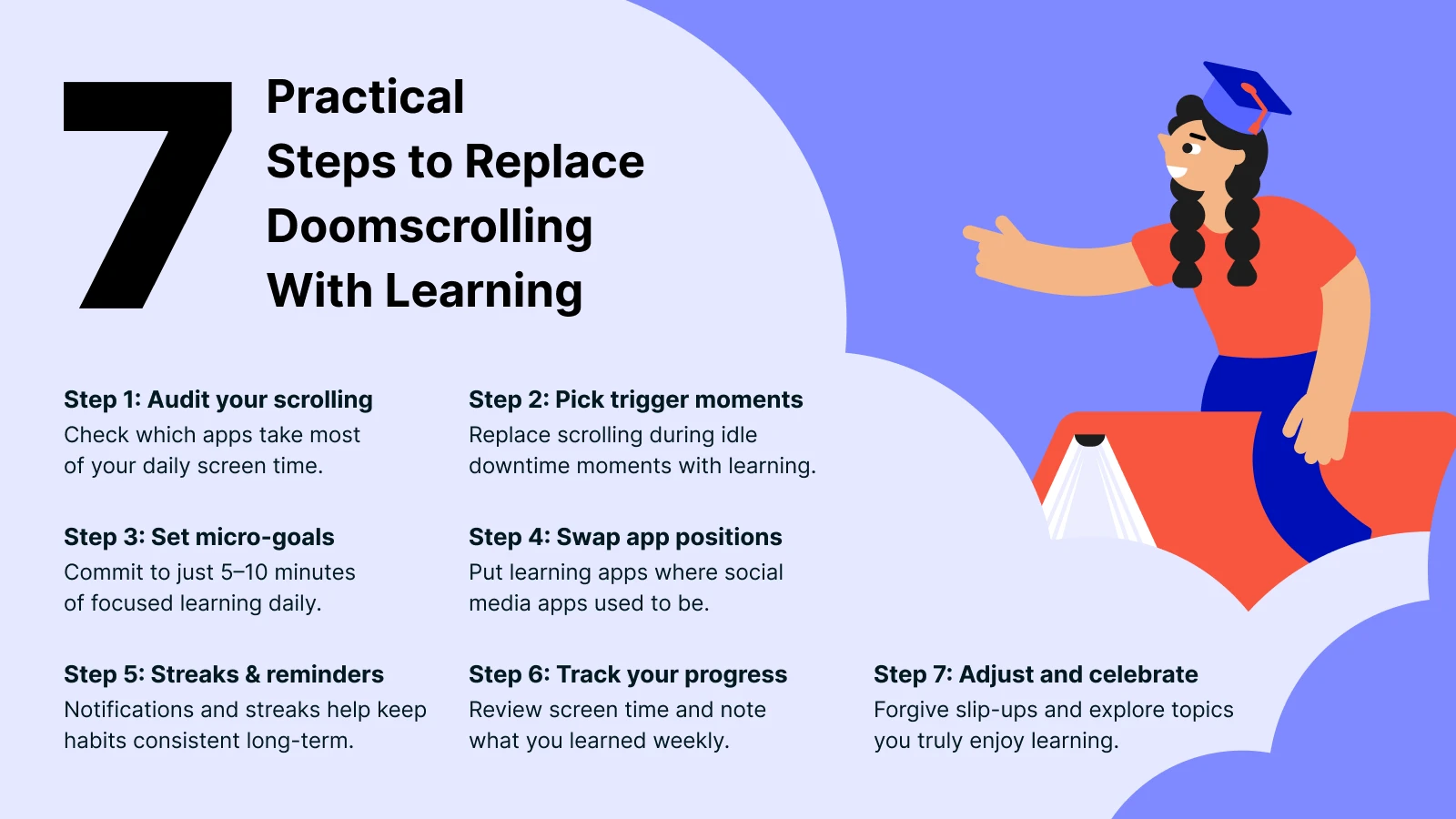 1. Audit your current scrolling patterns
Check your "Screen Time" settings on iPhone or "Digital Wellbeing" on Android.
See which apps use up most of your time. Is it Instagram, TikTok, or news sites? Be honest with yourself. Seeing the numbers can motivate you to change. If you need help breaking habits, look for guides on stopping scrolling addiction.
2. Choose your trigger moments
We often scroll at specific times. Waiting for the bus or lying in bed. Identify one of these times.
Decide that from now on, "When I wait for coffee, I will open Headway." This approach is called an "if-then" plan. The method links a specific situation to a new action.
3. Set micro-goals
Don't try to read a whole book in one day. Start small. Aim for just 5 to 10 minutes of learning. That's one summary or one lesson.
Small goals are easy to hit, and hitting them makes you feel good. This builds momentum.
4. Replace one app on your home screen
Move your social media apps to a folder on the last page of your phone. Make them hard to find. Then, put your microlearning app right on the home screen where Instagram used to be.
When your thumb automatically goes to that spot, you will open the learning app instead. Check the App Store to see what's trending in education for more ideas.
5. Use reminders and streaks
Turn on notifications for your learning app. A friendly ping saying "Time for your daily growth" is much better than a notification about a random viral video.
Most microlearning apps have a "streak" feature. Seeing your streak grow gives you a great sense of accomplishment.
6. Track your results
At the end of the week, look at your screen time again. Did your social media time go down? Did your learning time go up? Write down one new thing you learned.
Seeing real progress helps you stay on track. If you are looking for more ideas for filling this time, read about healthy alternatives to social media.
7. Celebrate your wins and adjust
If you mess up and doomscroll for an hour, do not be hard on yourself. It happens. Just try the next day. Also, make sure you enjoy what you are learning.
Adaptive learning apps will often suggest new topics if you get bored.
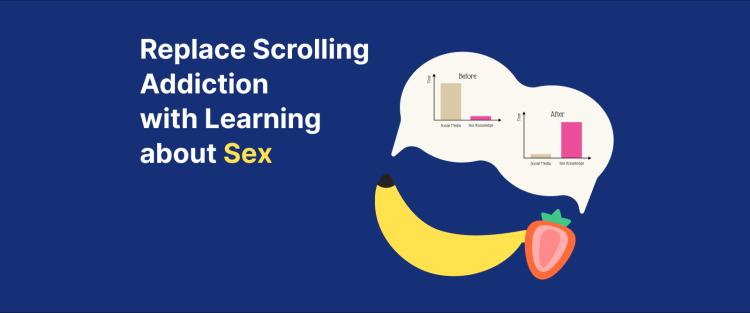
Headway, for instance, has topics ranging from productivity to relationships. You can even replace scrolling addiction with learning about sex and healthy relationships, which is a great way to gain valuable life knowledge.
📘 Replace digital noise with meaning on Headway!
Daily microlearning exercises to fit your lifestyle
These are practical examples of how to make the most of the Headway app.
The morning mindset ritual
Instead of checking your email, listen to a 10-minute summary while brushing your teeth first thing in the morning.
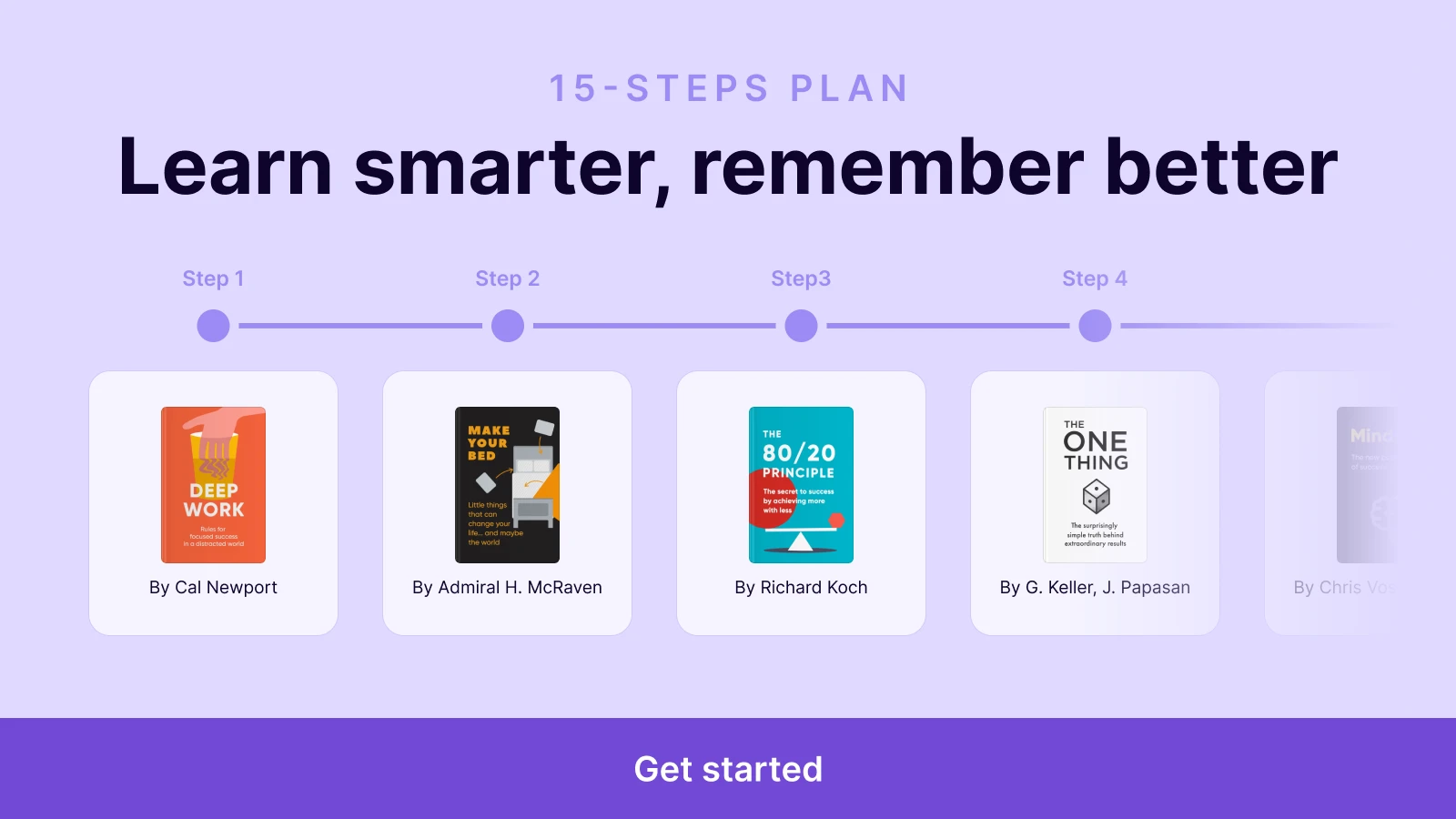
Book suggestion: 'The Miracle Morning' by Hal Elrod.
Activity: Start your day in silence with affirmation statements to uplift your emotions.
The commute learn block
Next time you're on the bus or driving, pop in your headphones.
Book recommendation: 'Deep Work' by Cal Newport.
Activity: Dedicate 30 minutes to work or learn with no phone distractions.
The lunch break reset
Don't watch videos while eating! Read a quick summary.
Book recommendation 'Atomic Habits' by James Clear.
Activity: Read about "habit stacking." Think of one habit you want to start and stack it on top of something you already do.
The evening reflection
Before bed, avoid blue light and exciting videos.
Suggested title: 'Digital Minimalism' by Cal Newport.
Activity: Read about the benefits of spending time alone with your thoughts. Put your phone away 30 minutes before sleep.
📘 Train your brain to focus better with bite-sized learning on Headway!
Stop scrolling, start growing with the Headway app!
Your phone can be a source of stress or a tool for learning. You decide! By choosing microlearning apps instead of doomscrolling, you take control of your time.
Headway makes this change simple. Thousands of book summaries and personal challenges make learning really fun and effortless. As a result, you don't need hours for cramming. A few minutes you'd normally spend scrolling are enough to make a big difference for your knowledge and happiness.
Are you ready to turn your phone into your smartest habit? Stop spending hours on endless feeds.
Download Headway today to get quick insights from the world's best books.
Frequently asked questions on how to replace doom scrolling
How long does it take to break doomscrolling habits?
Evidence indicates that about 66 days are needed to develop a new habit. Nonetheless, when you turn to microlearning, you may start to notice some results and benefits (feeling less anxious, specifically) after just a couple of days.
Is microlearning better than traditional learning?
Yes. For busy individuals, microlearning fills gaps throughout the day and is easy to maintain. Traditional instruction is appropriate for the establishment of a firm understanding; however, microlearning is preferred when people wish to gain knowledge without becoming overloaded (distracted).
Can microlearning apps improve my focus long-term?
Absolutely! You will see that you need less help from social media to maintain a high level of focus for longer periods of time in the future. In addition to this, you will perform better and work more efficiently because you have been utilizing your brain for purposes outside of social media and developing new neural pathways in your brain to maintain your attention span.
How do I replace doomscrolling with reading?
To switch from doomscrolling to reading, you should take small steps. You shouldn't attempt to read an entire 400-page book at once. Start by using something like Headway that lets you read a book summary for 15 minutes, thus developing your "reading muscle." Once you are able to concentrate for 15 minutes, you can progress to longer chapters and then eventually read entire books.
How do I relax without doom scrolling?
When we use our phones to "zone out," we are actually just stimulating our brains even more. If you want to truly relax, try some offline activities instead. You could listen to an audiobook with your eyes closed, use an app, like Calm, for a quick 5-minute breathing exercise, or simply gaze out your window. Your brain needs time away from all screens to recharge.