Self-growth
 Business & Career
 Success
 Communication
 Healing
 Relationships
 Psychology
 Happiness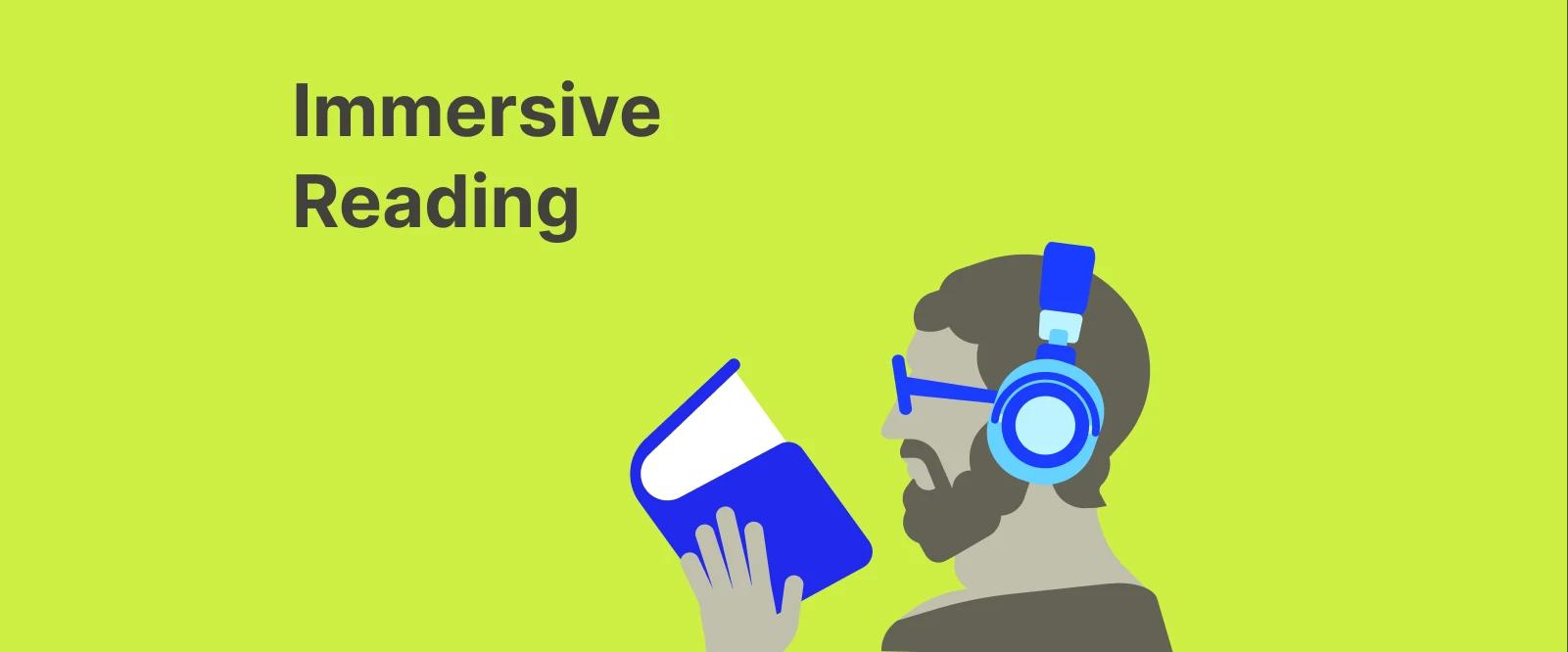
Have you ever spent 20 minutes staring at the same page of a nonfiction book, only to realize that your mind was actually miles away?
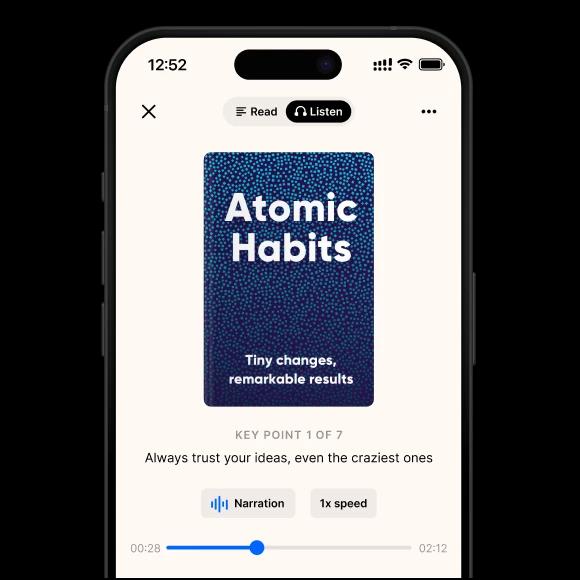
It's a common struggle. We want to learn, but our brains are wired for distraction. Right here is where immersive reading comes into play. But what is immersive reading? Essentially, it's the practice of reading text on a screen or page while simultaneously listening to the audiobook version. When you engage both your eyes and ears at once, information is effectively "triple-locked" to your brain.
In this guide, we'll explore why this method is a total game-changer for retention, how you can set it up on your own devices, and why it might be the tool you need to finally crush your reading list.
We'll cover everything from the Kindle app to the immersive reader, giving you clear, human-centered takeaways you can use today — the same kind of focused, high-impact learning we prioritize here at Headway.
Quick answer: What is immersive reading?
Immersive reading is a multisensory approach where you consume text visually while a narrator or text-to-speech tool reads it aloud in perfect sync. To answer the question "what is an immersive reader?", it's a tool or mode that facilitates this experience by highlighting words as the narrator speaks them.
The core elements of the immersive reading experience include:
Visual text: Reading along on a Kindle ebook, a physical book, or an iPad
Synchronized audio: Listening to an audiobook or a high-quality read-aloud voice
Active highlighting: Many tools, like the Kindle app, will highlight each word as it's spoken to keep your focus sharp
Is it worth the effort? For many learners, especially those dealing with ADHD or a dyslexic profile, it's not just a "nice to have"; it's a necessity. It bridges the gap between seeing words and actually understanding them, making it one of the most powerful deep-learning formats available today.
Why immersive reading works (science and benefits)
There's some cool science behind why this method feels like a superpower. It basically boils down to something called "dual-coding theory." Your brain has two separate "lanes" for processing info: one for what you see and one for what you hear. When you use both at once, you aren't just doubling the effort; you're cementing the information into your brain much faster.
The big wins you'll notice pretty quickly:
Total focus: It's almost impossible to get distracted by your phone when a narrator is speaking in your ear, and words are moving on your Kindle. This approach is huge for anyone with ADHD.
Better memory: When you see a word and hear it at the same time, your retention of that idea goes through the roof.
Mastering pronunciation: If you're tackling a complex nonfiction book or learning a new language, hearing the correct pronunciation while looking at the reading text is a total game-changer.
Support for struggling readers: For a dyslexic reader, immersive reading takes the "work" out of decoding letters so they can actually enjoy the story.
Faster progress: You'll find your reading speed naturally picks up because the audio keeps you moving forward, preventing that annoying habit of re-reading the same sentence five times.
📘 You don't always have hours for a deep dive. Get the key ideas from your favorite books in 15 minutes with Headway.
How to do immersive reading — tools and methods
Getting started with this isn't nearly as complicated as it sounds. You probably already have the tools in your pocket. Whether you're team iPhone or team Android, the best way to set up your reading experience:
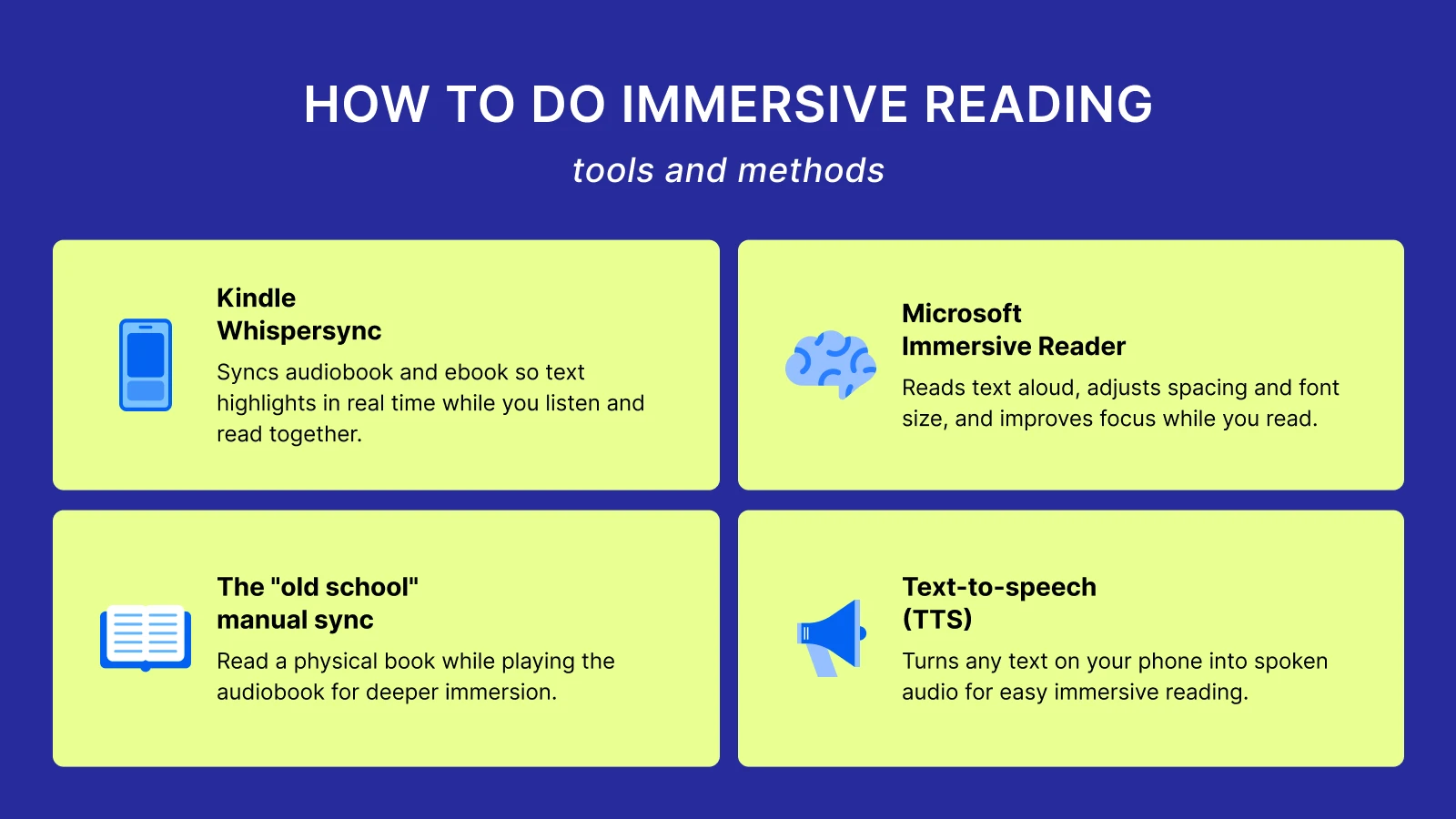
Kindle Whispersync: This feature is the gold standard from Amazon. If you own the Kindle ebook and the Audible version, the Kindle app will sync them perfectly. As you listen, the text highlights in real-time. It works on your e-reader, iPad, or phone.
Microsoft Immersive Reader: If you're reading articles or documents on iOS or a PC, this tool is incredible. The immersive reader part here is all about accessibility: it can read aloud any text, change the spacing, and even highlight parts of speech.
The "old school" manual sync: You can always go the DIY route. Grab a physical book and play the audiobook version from a separate app. It takes a second to find your place, but many people swear by the feeling of real paper while listening to a narrator.
Text-to-speech (TTS): Most modern phones have a "Speak Screen" feature. It's not as polished as a professional audiobook, but it's a free way to turn any text into an immersive reading session on the fly.


When immersive reading helps most: Examples
Immersive reading isn't just a gimmick; it's a tool that shines in specific spots. Take Harry Potter, for example. Many fans use this method to listen to Jim Dale or Stephen Fry while following along with the reading text. It adds an emotional layer you just don't get by reading alone.
It's also a lifesaver for nonfiction. If you're trying to wrap your head around a dense business book or a complex scientific paper, hearing the narrator's tone helps you understand the "vibe" and the logic behind the words.
Plus, for anyone into language learning, it's the best way to connect the dots between how a word looks and its actual pronunciation. If you're stuck in a reading slump, this combo often provides the spark needed to get back into your reading experience.
📘 If you love the immersion reading vibe, you'll love our summaries. Try Headway to keep your personal growth habit alive every day.
When immersive reading isn't ideal: Limitations
To be fair, it's not always the perfect solution. Sometimes, the audiobook version of a niche nonfiction title just doesn't exist. Or maybe the narrator's voice is annoying; it can actually distract you rather than help your reading comprehension.
There's also the cost. Buying both the Kindle ebook and the Audible narration adds up, even with Amazon's discounts. And let's be honest: if you're in a loud environment without good headphones, trying to sync audio and text can feel more like a chore than a benefit. It requires a bit of setup, and if the tech glitches, it can totally break your flow.
Immersive reading vs other reading approaches
How does this stack up against your habits? It's all about what you're trying to achieve in that moment.
| Approach | Best for | Key difference |
|---|
Traditional reading | Quiet, deep focus | Visual only; zero distractions. |
Immersive reading | Comprehension and enjoyment | Multisensory; eyes and ears working together. |
Headway summaries | Quick knowledge intake | Distills key ideas so you don't have to read the whole thing. |
If you have all day and want to get lost in a story, immersion reading is king. But if you're a busy professional who needs to learn the "meat" of five different nonfiction books by Monday, a summary app like Headway is much more efficient.
How to get started today: Practice immersive reading
Want to try it out? You don't need a fancy new e-reader to start.
Pick a book you actually like: Don't start with something boring.
Grab the combo: Check Amazon to see if your Kindle title has a Whispersync companion.
Sync your gear: Open the Kindle app on your iPhone, iPad, or Android device and download both formats.
Block out 20 minutes: Put your phone on "Do Not Disturb" and just let the narrator lead the way.
Take Headway on your immersive reading journey!
At the end of the day, immersive reading is about making books more accessible and enjoyable. Whether you're using an immersive reader tool to help with ADHD or just want to finish a book faster, the results speak for themselves. You'll remember more, stay focused longer, and actually enjoy the process.
But remember, you don't always have to read the whole 400 pages to grow. When you're short on time but still want the takeaways, Headway is the perfect teammate thanks to its text and audio options. Our app helps you get the gist of a book in 15 minutes, so you can decide if it's worth a full immersive reading deep dive later.
📘 Every meaningful journey starts with a single insight. Download Headway today and make real headway toward your biggest goals.
FAQs about immersive reading
What does immersive reading mean?
At its heart, it's just reading and listening at the same time. You look at the words on a page or screen while a narrator reads those exact words aloud in your ears. This two-pronged attack stops your mind from drifting, helping you actually absorb the material instead of just "scanning" it without anything sticking.
How do you do immersion reading?
The easiest way is to use Amazon's Whispersync feature, which connects your Kindle ebook and Audible audiobook so they stay perfectly in time. You can also go the manual route by opening a physical book while playing the audio on your phone. Just match the speeds so the narrator isn't moving faster than your eyes can keep up.
Does immersion reading help you read faster?
It definitely can, largely because the audio dictates the pace. When you're just reading silently, it's easy to get stuck re-reading the same paragraph three times. The audio keeps you moving forward at a steady clip, which naturally increases your overall speed and helps you finish complex books in much less time than usual.
What are common immersive reading tools?
The Kindle app is the most popular, especially with its highlighting feature that follows the narration. Microsoft's Immersive Reader is another heavy hitter, especially for web articles and documents. For those who want the high-level takeaways without the long-form commitment, Headway is a great companion tool for identifying which books are worth the full immersion.