Self-growth
 Apps & Digital Tools
 Business & Career
 Success
 Growth Tools
 Psychology
 Communication
 Relationships

It's 8:15 PM on a Thursday.
You're on the couch with a bowl of popcorn that's slowly going cold because you've spent the last 40 minutes cycling through six different platforms. You've looked at Netflix, scrolled through Hulu, and checked what's new on HBO Max, yet somehow, you're still staring at a menu.
This choice paralysis is the tax we pay for living in the golden age of content. Finding the best streaming apps shouldn't feel like a part-time job, but with a dozen services fighting for your monthly fee, it's easy to end up with a high bill and nothing to watch.
The market has changed fast. We're not just looking for the top streaming apps in 2026. We're looking for a "stack" that makes sense for our budgets and our brains. Whether you are a cord-cutter looking for live TV streaming services to replace cable TV, or someone hunting for the best free movie streaming apps 2026 has to offer, the goal is the same: less scrolling, more quality.
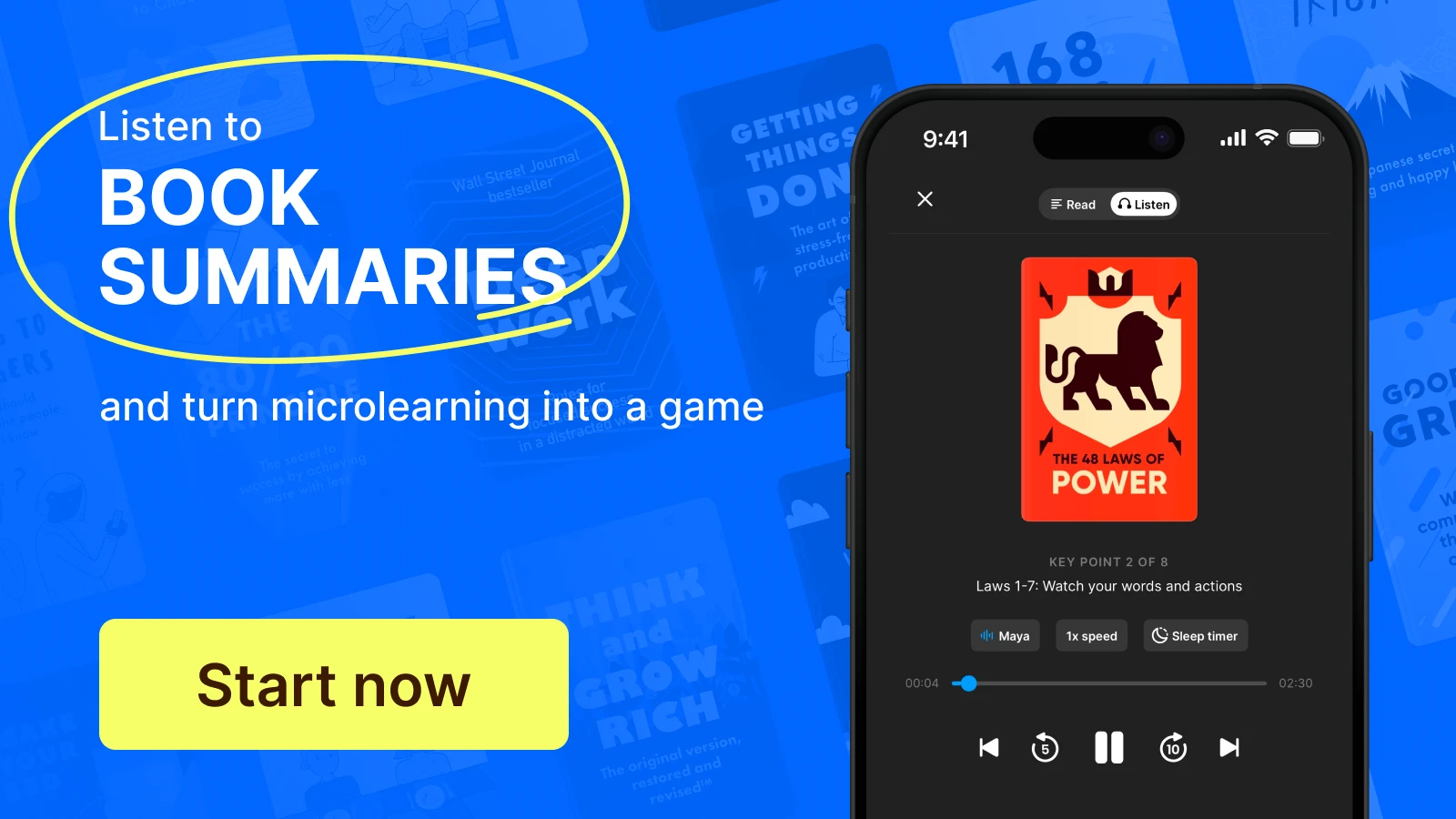
By the end of this guide, you will know exactly how to audit your subscriptions and build a library that actually fits your lifestyle. We're breaking this down into five essential categories: the heavy-hitter video platforms, the best free options, live TV and sports, music, and the most overlooked category — streaming apps for learning and personal growth, like Headway.
Best streaming apps: Quick picks for 2026
To find the best streaming apps, you have to look at the balance of exclusive content, price, and how often you'll actually use the service. Here's the 2026 shortlist for those who want a high-quality, diverse streaming experience.
Note: All prices listed are current as of August 2026 and may change. Check each service's website for the most up-to-date pricing before subscribing.
| Category | Top pick | Best for |
|---|---|---|
Video and TV | Netflix | Originals and variety |
Free video | Tubi | Zero cost, no sign-up |
Live TV and sports | YouTube TV | Sports and live channels |
Music | Spotify | Discovery and podcasts |
Learning | Headway | Daily book insights |
Best streaming apps for TV and movies (1–8)
The core of most people's streaming experience starts with the big players. These are the on-demand giants that produce the original programming everyone at the office is talking about. Today, the market is more fragmented than ever, but these eight streaming platforms remain the standard-bearers.
1. Netflix — Best for original series and variety
Price: $8.99/month (ad-supported) | $19.99/month (ad-free)
Netflix is still the default streaming app for most households — and one of the best streaming services for multiple users — largely because its recommendation algorithm adapts to every profile in the house. While other services lean into a few big franchises, Netflix produces original content across every possible genre, from prestige Korean dramas to high-budget sci-fi.
Best for: Binge-watchers who want a never-ending supply of new TV shows.
Fair warning: Constant price hikes and the aggressive crackdown on password sharing.
2. Hulu — Best for current-season TV
Price: $11.99/month (with ads) | $19.99/month (ad-free)
If you want to keep up with ABC, NBC, or Fox Sports without a cable TV subscription, Hulu is your best bet. It remains the home of The Bear, which has become the benchmark for modern TV series. It's a must-have for people who still care about the water-cooler conversation surrounding last night's broadcast hits. One thing to watch in 2026: Disney is folding the standalone Hulu app into Disney+, so expect the two libraries to live under one roof soon.
Best for: TV addicts who want next-day access to network hits.
Fair warning: The UI can feel cluttered compared to Apple TV's streamlined look.
3. Disney+ — Best for families and franchise content
Price: $11.99/month (with ads) | $18.99/month (ad-free)
Disney+ is the non-negotiable anchor for anyone with kids or a Star Wars obsession. It's the exclusive home for Marvel, Pixar, and Nickelodeon's back catalog. Disney has been integrating more content for adult viewers through its Star brand, but the core appeal remains the massive vault of nostalgia.
Best for: Families and fans of the MCU and the Galaxy Far, Far Away.
Fair warning: If you're not a fan of the major franchises, the library can feel a bit thin.
4. HBO Max — Best for prestige drama
Price: $10.99/month (with ads) | $17.99/month (ad-free)
HBO Max is where you go when you want peak TV. While other platforms focus on volume, HBO Max focuses on high-quality original series that dominate the awards circuit. It's the only place to find the full Discovery+ library alongside the prestige hits that made HBO famous.
Best for: Cinephiles and fans of high-budget, cinematic storytelling.
Fair warning: Frequent removal of older content to save on licensing fees.
5. Apple TV+ — Best quality-to-price ratio
Price: $12.99/month (ad-free)
Apple TV+ doesn't have the biggest library, but it arguably has the highest batting average. Every original release it puts out looks and sounds incredible. With no ad-supported tier as of August 2026, Apple TV+ is one of the few best streaming apps without ads at this price — a premium experience without the commercial interruptions. Everything streams in 4K with Dolby Vision and Dolby Atmos at no extra charge — no premium-tier upsell required.
Best for: People who value quality over quantity and own Apple TV hardware.
Fair warning: The library is almost entirely originals, so there's no deep well of old comfort shows.
📘 Stop the passive scroll. Swap 15 minutes of TV for a Headway summary and see how much your mindset shifts in just one week.
6. Amazon Prime Video — Best for Prime members
Price: included with Prime ($14.99/month) or $8.99/month standalone
Amazon Prime Video has become a powerhouse for live sports, particularly NFL Thursday Night Football. It offers an impressive amount of on-demand content, and the X-Ray feature, which tells you which actor is on screen, is still the best UI trick in the business.
Best for: Current Prime subscribers who want effectively free movies and sports.
Fair warning: The interface still tries to sell or rent you movies that aren't included in your subscription.
7. Peacock — Best for NBC and live sports crossover
Price: $10.99/month (with ads) | $16.99/month (ad-free)
Peacock has found its niche as the home of NBC's massive catalog (including The Office) and exclusive live events. It's a major player for NFL fans and those who want CBS Sports or Premier League soccer. It's also the place to find Bravo reality hits.
Best for: Fans of Sunday Night Football and classic sitcoms.
Fair warning: The navigation can be frustrating on some smart TV brands.
8. Paramount+ — Best for sports, news, and Nickelodeon
Price: $8.99/month (with ads) | $13.99/month (with Showtime)
Paramount+ is the digital home of CBS. If you need local channels and live sports like the Champions League or the NFL on CBS, it's a top-tier choice. It also bundles Showtime, giving you access to bolder original series alongside family-friendly Nickelodeon hits.
Best for: Families who also want a solid dose of live news and football.
Fair warning: The app can be buggy on older streaming devices like older Roku sticks.
Best free streaming apps (9–13)
You don't always need to open your wallet to find something worth watching. The world of free streaming has gotten surprisingly good. All of the following apps are free to use, though most of them are ad-supported, meaning you'll have to sit through a few commercials, just like the old days. And yes, they are completely legal — licensed, ad-funded services, not piracy apps.
Swap screen time for learning; take this quiz to start.
If you're trying to cut back on your monthly bills, these are the best free streaming apps to keep on your smart TV or Android phone.
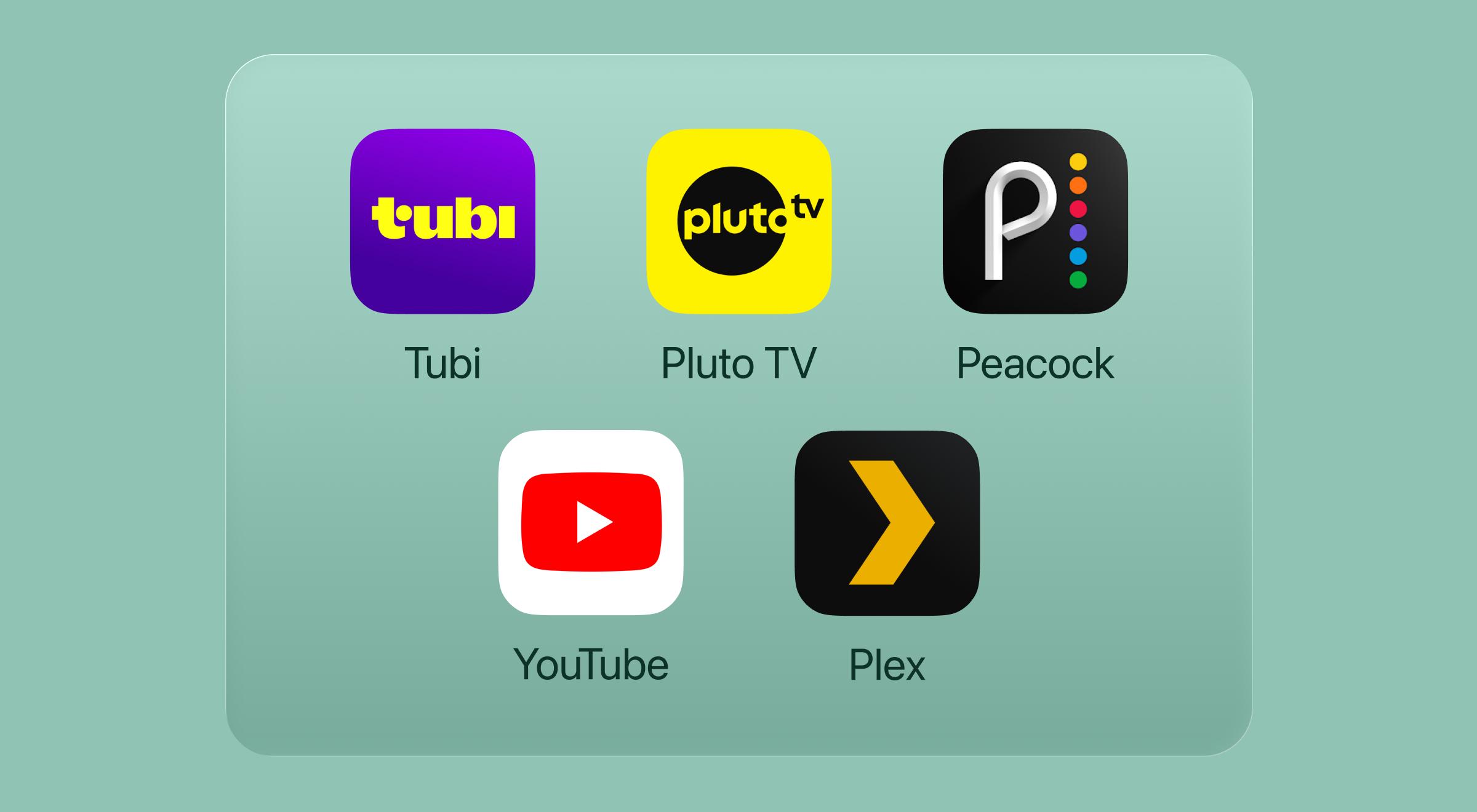
9. Tubi — Best overall free option
Price: Free
If you haven't tried Tubi yet, you're missing out on the king of free movies. It doesn't require a sign-up, and its library is genuinely massive, featuring everything from cult classics to weirdly addictive reality TV series. It's the perfect free service for those nights when you just want to browse without the pressure of a subscription.
Best for: People who want a huge library of free content without creating an account.
Fair warning: The "Leaving Soon" section is high-stress because movies disappear fast.


10. Pluto TV — Best for live channel-surfing
Price: Free
Pluto TV feels like cable TV but without the $100 bill. It's a free TV experience that uses live channels to show 24/7 loops of classic movies, like CSI and Survivor. It's a go-to when you don't want to pick a specific show and just want to drift through streaming options.
Best for: Nostalgic surfers who miss the linear streaming experience.
Fair warning: You can't pause or rewind the live feeds.
11. Peacock (free tier) — Best free gateway
Price: Free
While most of the good stuff is behind the paywall, the free version of Peacock is a solid entry point. You get access to a decent chunk of NBC hits and some daily content like news and late-night clips. It's a great way to test the waters before upgrading to a premium subscription.
Best for: Fans of classic sitcoms and current news snippets.
Fair warning: Most originals only let you watch the first episode for free.
12. YouTube — Best for Mixed Formats
Price: Free
We often forget that YouTube is the biggest streaming app on the planet. From full-length documentaries to DIY tutorials, it's the ultimate free service. It's also become a sneaky-good place for free movies (usually with ads) if you know where to look in their "Movies and TV" section.
Best for: Short-form fixes and niche long-form documentaries.
Fair warning: The ad-free version is expensive, and the ads can get repetitive.
13. Plex — Best for personal media and free TV
Price: Free
Plex is a bit of a hybrid. It's great for people who have their own movie files, but it also offers a surprisingly deep list of free content. They've added dozens of live channels and a solid catalog of on-demand content that doesn't cost a dime.
Best for: Tech-savvy users who want to combine their own files with free web content.
Fair warning: The interface can be a little confusing for beginners.
📘 Your phone is the ultimate classroom if you have the right apps. Download Headway, named Apple's App of the Day, and stream knowledge instead of just noise.
Best live TV and sports streaming apps (14–18)
The best live TV streaming apps in 2026 are YouTube TV, Sling TV, DirecTV Stream, Philo, and Fubo. If you're a cord-cutter, these are the services that finally let you ditch the cable box. A fair warning for live sports fans, though: things have gotten messy. In 2026, NFL rights are split across several platforms (Netflix, Amazon, Peacock, and ESPN), so you might need more than one of these live TV streaming services to catch every game.
14. YouTube TV — Best overall live TV experience
Price: $82.99/month
YouTube TV is widely considered the best live TV streaming pick for a reason. It offers over 100 live channels, including local channels from ABC, CBS, and Fox Sports. The unlimited DVR is the best in the business, letting you record every game of your favorite MLB or NFL team without worrying about space.
Best for: Families who want a seamless, cable-like experience with great live sports.
Fair warning: The price has crept up substantially over the last few years.
15. Sling TV — Best for budget live TV
Price: $19.99–$60.99/month depending on tier
If you only care about a few specific live channels like ESPN or AMC, Sling is the way to go. It splits its lineup into "Orange" and "Blue" tiers, letting you customize your streaming experience. It's much cheaper than other live TV streaming services, provided you don't need every single channel.
Best for: Budget-conscious viewers who only need a handful of cable networks.
Fair warning: It doesn't carry local channels in every market, so you might need an antenna.
16. DirecTV Stream — Best for regional sports
Price: $79.99–$119.99/month
For hardcore fans of the NBA or MLB, DirecTV Stream is often the only way to get regional sports networks. It feels the most like old-school cable TV, complete with a traditional remote and channel numbers if you buy their streaming device.
Best for: Sports fans who need their local team's broadcasts.
Fair warning: It's easily the most expensive option on the list.
17. Philo — Best for entertainment-only live TV
Price: $28/month
Philo is a breath of fresh air because it completely ignores live sports and news to keep the price low. It focuses on Comedy Central, MTV, and Nickelodeon. If you just want lifestyle and entertainment TV series, this is the cheapest way to get live channels.
Best for: People who want cable networks but have zero interest in sports.
Fair warning: Absolutely no local news or sports coverage.
18. Fubo — Best for international sports
Price: $79.99/month
Fubo started as a soccer-only streamer but has grown into a serious competitor in the live TV streaming space. It's fantastic for international live events and focuses heavily on CBS Sports and niche athletic networks.
Best for: Hardcore soccer fans and those who follow international leagues.
Fair warning: Like YouTube TV, the pricing is getting quite high for a monthly bill.
📘 High-achievers use their time differently. Upgrade your digital diet today by adding one of the best microlearning apps to your personal daily arsenal.
Best music streaming apps (19–22)
While most of the talk about streaming services revolves around what we're watching, music is the actual background noise of our lives. Whether you're listening on your Roku, in your car, or on an Android phone, the right music app is a non-negotiable part of your digital stack.
The market has settled into a few big players, but they aren't all built the same. If you are hunting for the best free music streaming apps in 2026, most offer a basic tier, but the premium subscription is where the real quality lives.
| App | Price | Catalog size | Standout feature |
|---|---|---|---|
Spotify | $12.99/month | 100M+ songs | Best discovery algorithms |
Apple Music | $10.99/month | 100M+ songs | Lossless audio and spatial sound |
YouTube Music | $10.99/month | 100M+ songs | Massive vault of live covers |
Amazon Music | $10.99/month | 100M+ songs | Best Alexa integration |
19. Spotify — Best for discovery, podcasts, and playlists
This platform is the best music streaming pick for most people. Its "Discover Weekly" and "Daily Mix" features are almost eerily good at knowing what you want to hear next.
Best for: People who love discovering new artists and want all their podcasts in one place.
20. Apple Music — Best for audio quality
If you have high-end headphones, you'll notice the difference here. The audio is crisp, and it integrates perfectly if you're already in the Apple ecosystem.
Best for: Audiophiles and iPhone power users.
21. YouTube Music — Best for YouTube Premium subscribers
If you pay to remove ads from YouTube, you get this for free. It's a great option for finding obscure live performances and fan-made remixes.
Best for: People who already pay for YouTube and love deep-cut live tracks.
22. Amazon Music — Best for Prime members
If you have an Echo in every room, this is the most logical choice. It's slightly cheaper for Prime members and works flawlessly with voice commands.
Best for: Smart-home enthusiasts and budget-conscious Prime users.
Best streaming apps for learning and personal growth (23–25)

Upgrade your routine with top growth apps; get science-backed ideas.
Okay, let's be real for a second. Not every great streaming app is about what's happening on your smart TV. Sometimes, the best use of your phone is to replace the mindless scroll with something that actually improves your day.
We spend hours on on-demand content that we forget five minutes after the credits roll. If you're looking for apps to replace social media or apps for self-improvement, this category is where the real value lives.
23. Headway — Best for daily book insights and goal-driven learning
Price: Free to try | $19.99/month | ≈ $5.83/month with a yearly subscription ($69.99/year)
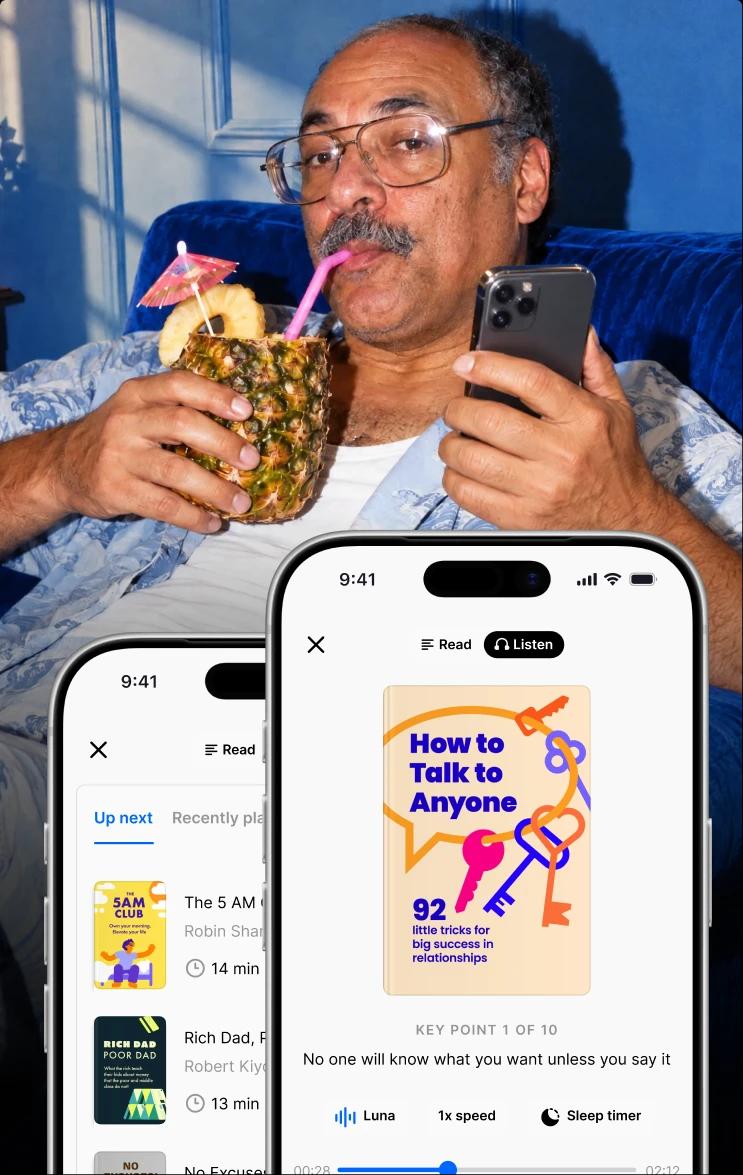
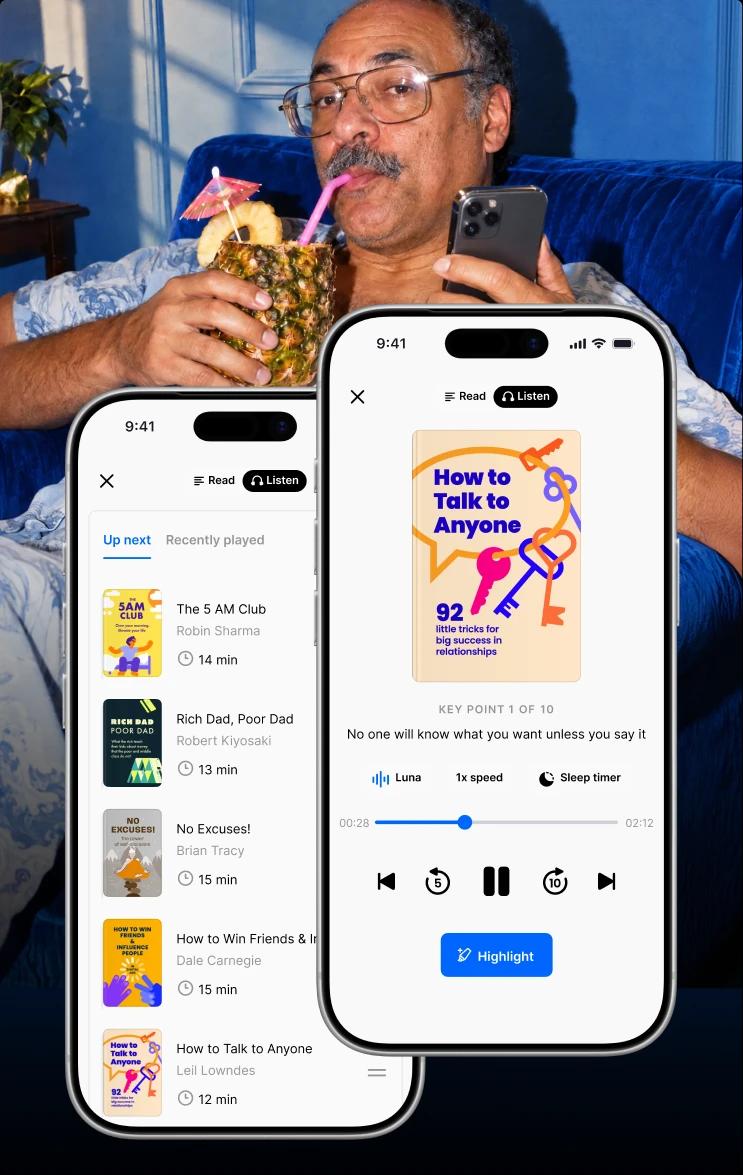
With over 55 million users and a 2025 recognition from TIME as one of the World's Top 5 EdTech Companies (ranked 4th), Headway has become the number-one most downloaded book summary app. Instead of watching a TV series, you can spend 15 minutes getting the key insights from the world's top nonfiction bestsellers.
It's mobile-first, so it fits perfectly into your commute, gym sessions, or lunch breaks. Unlike Blinkist or Audible, it doesn't just give you audio — it offers practical daily challenges and spaced repetition to make sure you remember what you've learned.
Best for: People who want to grow, not just watch, and are looking for free microlearning apps.
Fair warning: You might find yourself wanting to buy the full physical book after hearing a great summary.
24. Masterclass — Best for creative and professional skills
Price: $10/month (billed annually)
Imagine having a private lesson with some of the best in their field. Masterclass is a top-tier streaming experience where you can learn cooking from Gordon Ramsay or filmmaking from Martin Scorsese. The production value is on par with HBO Max or Netflix, making it one of the few learning apps that actually feels like entertainment.
Best for: People who want to learn a specific craft from a global icon.
Fair warning: It's more about inspiration than deep, hands-on technical training.
25. Audible — Best for long-form audiobooks
Price: $14.95/month
While Headway is great for quick hits of knowledge, Audible is the king of the full-length experience. If you have a long commute and want to spend time with a 20-hour biography, this is the best streaming app for the job. You get one credit a month, which usually covers any book in their massive library.
Best for: Readers who prefer listening to their library and have hours to fill.
Fair warning: Credits don't always roll over forever, so you have to stay on top of your queue.
What makes a streaming app actually worth it?
With so many choices, finding the best streaming service for the money requires more discipline than most people apply. It's easy to feel like you're just throwing money at a screen. People often subscribe to something for one specific TV series and then forget to cancel for six months. To find the best streaming apps for your specific life, you have to look past the marketing and check these five boxes:
Content library: Volume vs. quality. Are you paying for 10,000 titles you'll never watch, or a focused library of Pixar classics and the latest Star Wars chapter? A big library is useless if it's full of filler.
Pricing tiers: Look for the balance between the monthly fee and your patience for ads. If you can handle ad-supported tiers, you'll save a lot. If you hate interruptions, check whether the ad-free price is actually fair.
Cross-device usability: The best streaming apps for smart TV, Roku, and Android phone all share one thing — they actually work. The app needs to be snappy across every screen in the house. There's nothing worse than one that crashes right when the NFL game gets good.
Offline access: Streaming services with offline downloads are a dealbreaker for travelers. If you can't save a movie or series for a flight, that app isn't doing its job.
User experience: If the "Continue Watching" list doesn't work or the search bar is a nightmare, you're going to get frustrated. The best streaming apps should know what you like better than you do. A universal watchlist app like JustWatch also solves the where-can-I-watch-it problem across all your services.
When you're hunting for the best free movie streaming apps in 2026 or even niche options like the best free anime streaming apps, these criteria still apply. Even if it's free, your time is valuable. Don't waste it on a clunky interface just to save a few dollars. (For anime specifically, the free ad-supported tier on Crunchyroll is the safest legal starting point.)
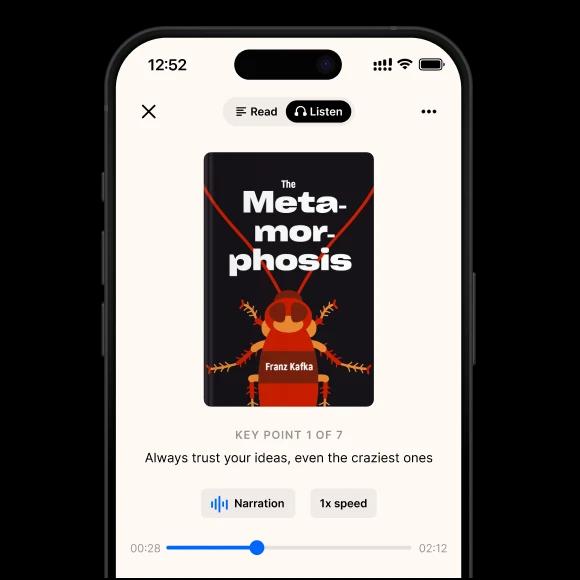
Replace doomscrolling with microlearning!
Unlock your personalized growth plan with an app you'll actually use every day!
Try nowAre you streaming — or just paying for the privilege of scrolling?
Here is a reality check: the average person spends about five to six hours a day staring at a screen. That is a massive chunk of time. While there's nothing wrong with unwinding with a show like The Bear, most of us have fallen into the passive consumption trap. We hit play because we're tired, not because we're interested. We end up subscribing to six different streaming platforms and still feel like we're not seeing anything meaningful.
There's a huge difference between entertainment that recharges you and content that just drains your clock. That doesn't mean you should delete Netflix and live in a cave, but the best streaming apps in 2026 should offer a balance. If your stack is 100% passive, you're going to feel that mental lag.
That's why apps for motivation and apps for self-improvement have become such a huge trend. The most satisfied people tend to treat their screen time like a diet. They have their junk food (guilty pleasure reality TV on Tubi) and their superfoods (learning with Headway). The smartest streaming stack in 2026 isn't the one with the most apps. It's the one where at least some of what you watch is actually working for you.
From the scroll to the summary: real people who made the switch
The Headway users below didn't overhaul their schedules. They just redirected the time they were already spending.
Enrique García Galán, a software engineer and PhD researcher, used to lose 30-minute chunks to Instagram and TikTok every morning — apps he genuinely needed for photography work, but that pulled him in deeper than he intended. He replaced that window with Headway and, over a year, absorbed key insights from 58 book summaries without touching his existing routine. His take: getting 1% better daily, compounded over time, adds up to something real. Read his full story.
Jessica Teitelbaum, a Revenue Operations Specialist at Muck Rack in Fort Worth, TX, used to spend her morning coffee time on social media and TV. Now she reads one Headway summary before opening her laptop, and the shift has changed how she approaches the rest of the workday. The summary that stayed with her longest was 'Make Your Bed' by Admiral William H. McRaven — a quick read that reinforced why small morning wins matter. Read her full story.
Ivan Karačić is a freelance software developer, startup founder, triathlete, and father of three. Before Headway, his reading attempts — audiobooks during runs, books before bed — kept failing because the format didn't fit his fragmented schedule. One early morning walk at 5:30am, Headway playing through his headphones, turned into a four-month streak with zero missed days and over 120 summaries completed. His wife's verdict: "Ivan has probably read a book on this already." Read his full story.
How to build your streaming stack without overpaying
The smartest streaming stack in 2026 follows a simple five-step framework. If you want to know how to reduce streaming subscription costs without losing the shows you actually care about, you don't need a spreadsheet — you just need a bit of discipline to avoid subscription creep.
Pick your anchor app: Choose the one service you use almost every single day. If you have kids, the Disney+ and Hulu bundle is one of the best streaming apps for families you can get at that price point. For everyone else, Netflix is the stronger foundation.
Add one free tier: Keep an app like Tubi or Pluto TV on your Fire TV. This method covers your "I just want to watch a movie" nights without adding a cent to your monthly fee.
Choose one live TV or sports app: Only do this if you actually watch live events. If you're not a hardcore fan, don't pay $75 a month for live streaming. Just buy a cheap digital antenna for local channels like ABC or NBC.
Add one growth app: This is where the stack pays you back. Replace one 15-minute passive scroll session a day with an app like Headway. It's the one part of your stack that actually gives you time back by making you sharper and more productive.
Cancel the rest: Use the "subscribe, binge, cancel" method. If a new season of a show drops on HBO Max or Paramount+, subscribe for one month, watch it, and then cancel immediately. Rotating subscriptions like this is the single biggest lever for cutting your annual streaming spend.
Switch up your streaming apps and click play with Headway!
The best streaming apps are the ones that actually make your life better, not just busier. Whether you're looking for the best free movie streaming apps in 2026 to save cash or you're a sports fan trying to navigate the messy world of NFL and MLB rights, it all comes down to intentionality.
You don't have to be a victim of the scroll. You can build a digital library that entertains you, keeps you informed with live TV, and helps you grow. If you're ready to stop the mindless channel-surfing and add one app that pays you back in knowledge, try Headway free today. It might just be the most valuable stream you ever start.
📘 The best use of 15 minutes isn't another episode. Download Headway and access the key insights from the bestsellers you've always meant to read.
FAQs about the best streaming apps
What is the #1 streaming app?
Netflix still holds the crown in 2026 because of its massive library and hit originals like Stranger Things. While other platforms fight over franchises, Netflix stays relevant for everyone from anime fans to reality TV addicts. It's the perfect entertainment anchor, just like Headway is the go-to for anyone who wants to stream knowledge rather than just noise.
What are the four best apps to use for streaming?
The big four you really need are Netflix for variety, Disney+ for family classics, HBO Max for prestige drama, and Hulu for current TV. This combination covers almost every base, from Marvel to the latest network hits. Once your watchlist is set, consider adding Headway to your digital stack to balance out passive entertainment with some active personal growth.
What are the top 5 streaming apps?
For a complete library, the top five are Netflix, Disney+, HBO Max, Amazon Prime Video, and Hulu. These giants offer everything from blockbuster movies to live sports and niche series. They're the standard for 2026.
What streaming services are 100% free?
You don't need a credit card for Tubi, Pluto TV, or The Roku Channel. These 100% free services use ads to keep their massive catalogs open to everyone. They're a great way to cut costs while keeping your favorite shows accessible.