Self-growth
 Apps & Digital Tools
 Business & Career
 Success
 Growth Tools
 Psychology
 Communication
 Relationships

A great road trip lives or dies in the hours between stops.
That's where the right apps earn a spot on your home screen. The best road trip apps take care of the boring logistics — the route, the cheapest gas, a place to crash — so the drive itself stays fun. Here's a quick review of the road trip planning apps worth keeping for your next trip, what each one is good at, and one idea for the long, quiet stretches.
📘 Line up Headway for the long stretches between stops.
All app features described in this article are accurate as of October 2026.

Quick answer: The road trip apps worth your storage
You need fewer apps than you think. Most trips are covered by one navigation app, one route-and-stops planner, and one thing to listen to. Everything else is situational.
Navigation: Google Maps, Waze, and Apple Maps handle turn-by-turn directions, live traffic, and offline maps for dead zones.
Planning: Roadtrippers and Wanderlog build multi-stop routes and surface attractions, hotels, and campsites along the way.
On the road: GasBuddy finds the cheapest gas station, A Better Route Planner handles EV charging, Booking.com covers last-minute hotels, and The Dyrt maps campsites.
The long, quiet hours: the Autio app narrates the places you pass, and Headway turns scenery-free stretches into 15-minute book summaries you play hands-free.
How the best travel apps compare at a glance
The whole lineup in one place, sorted by what each app does best.
| App | Category | Best for on a road trip | Free version? |
|---|---|---|---|
Google Maps | Navigation | Turn-by-turn plus offline maps | Free |
Waze | Navigation | Live traffic and hazard alerts | Free |
Apple Maps | Navigation | Built-in iPhone navigation | Free |
Roadtrippers | Trip planning | Multi-stop routes and stops | Free + paid plans |
Wanderlog | Trip planning | Group itinerary planning | Free + paid plan |
GasBuddy | Fuel | The cheapest gas nearby | Free |
A Better Route Planner | EV routing | Charging stops on the route | Free + paid plan |
Booking.com | Lodging | Booking hotels last minute | Free |
The Dyrt | Camping | Campgrounds and RV spots | Free + paid plan |
AllTrails | Outdoors | Trails and scenic stops | Free + paid plan |
Autio | Audio | Stories about places you pass | Free to try, then paid |
Headway | Audio | Book summaries for the long hours | Subscription |
What to look for: The features that make a road trip app super helpful
A few helpful features separate the apps you'll open from the ones you download once and forget.
Offline access. Signal vanishes in canyons and national parks, so maps, audio, reservations, and other things you'll want mid-drive should download in advance. In a dead zone, that offline access is a real game changer.
Multi-stop routing. A real route planner lets you string together and reorder stops — non-negotiable for a road trip with multiple stops.
Live, current data. Gas prices, traffic, and charger availability change by the hour, and most apps read your current location to stay accurate. Yesterday's info steers you wrong.
Easy on battery life. GPS and a bright screen drain a phone fast, so offline apps protect your battery life and your data.
The 12 best road trip apps for 2026, grouped by what they do
The full list, grouped by what each app does best — start with one per group, add the rest as your route needs.
Navigation apps for road trips: Google Maps, Waze, and Apple Maps
Every trip starts here — they get you where you're going and reroute you when the highway turns into a parking lot.
1. Google Maps. The default for good reason: live traffic, lane guidance, offline maps you download before you lose signal, and the option to add several stops to one route. It also drops gas stations, hotels, and EV chargers onto the map and tracks your current location. It won't design a scenic itinerary, but as a navigation app, it's tough to beat.
Best for: everyday routing and offline maps for dead zones.
2. Waze. Google-owned, but built on a community of drivers flagging traffic, crashes, and speed traps in real time — super helpful on a long haul, where one alert can save an hour. The trade-off: it needs a live connection, so it fades once you're off the grid.
Best for: dodging traffic and surprises on busy routes.
3. Apple Maps. For iPhone drivers, the built-in option now covers offline maps, turn-by-turn directions, and CarPlay, with nothing to install. Android users look elsewhere.
Best for: iPhone owners who want solid navigation and one less download.
Trip-planning apps that map your route and every stop
Navigation gets you there. These build the plan — the stops, the detours, the itinerary the group keeps arguing about.
4. Roadtrippers. The road trip planner app people mean by "plan the whole trip." Enter a start and destination, and it maps the route, then lets you search stops by category — national parks, roadside attractions, restaurants, hotels — and estimates gas cost. The free version handles multi-stop trips; paid tiers add offline maps and more waypoints, and a new AI planner drafts a route for you.
Best for: mapping a multi-stop road trip and finding places worth pulling over for.
5. Wanderlog. A free, all-in-one app that shines for group itinerary planning. Build a multi-stop route, keep reservations and notes so all the information sits in one place, share it with travel companions, and let its AI rough out a starting outline. It's where a lot of people start planning, instead of juggling a Google Sheet and group chats.
Best for: collaborative, multi-stop planning without paying upfront.
Apps for fuel, food, and charging along the way
The middle-of-the-trip problems: an empty tank, an empty battery, and no idea where the next one is.
6. GasBuddy. A gas station finder that crowd-sources fuel prices so you can track the cheapest gas station near you or farther down the route. On a cross-country drive, a few cheaper fill-ups add up to real money.
Best for: finding cheap gas and keeping the fuel budget honest.


7. A Better Route Planner. Built for EV road trips: it plans your route around charging stops, factoring in range, charging speed, and weather so you're not white-knuckling it to the next charger. Pair it with PlugShare for charger reviews and availability.
Best for: EV road trips that live and die by the charging network.
Hotels, camping, and national parks along the way
Whether the day ends at a hotel, a campsite, or a trailhead, these three sort it out.
8. Booking.com. When the day runs long and you need a bed at 9 p.m., deep inventory with a map view earns its keep. For booking hotels near your route, search by city, filter by price, and reserve on the spot.
Best for: booking hotels on the fly.
9. The Dyrt. The camping counterpart, with one of the largest campground databases, real reviews and honest opinions, and photos from people who stayed there. Its paid tier adds offline access and a trip planner for RV camping and national park trips where service is patchy.
Best for: finding campsites and RV spots off the grid.
10. AllTrails. For the stretch-your-legs part of the trip: trails with reviews, difficulty ratings, and photos, plus offline maps and wrong-turn alerts on the paid plan. An easy way to decide which scenic stops and national park trails are worth exploring.
Best for: trails and scenic stops that break up the miles.
What to listen to when the road gets long
Music carries the easy stretches. For the hours when the scenery flattens out and the car goes quiet, these two make the miles more enjoyable.
11. Autio. Here's where a drive gets interesting. The Autio app is GPS-triggered — using your current location, it plays a two-to-five-minute story about the town, landmark, or river you're passing, narrated by pros and celebrities like Kevin Costner, and it works offline. It's basically a tour guide in your pocket, keeping everyone discovering new things about each city you pass. (For plain entertainment, downloaded Spotify or Apple Music still rides shotgun.)
Best for: learning the history of the places you drive through.
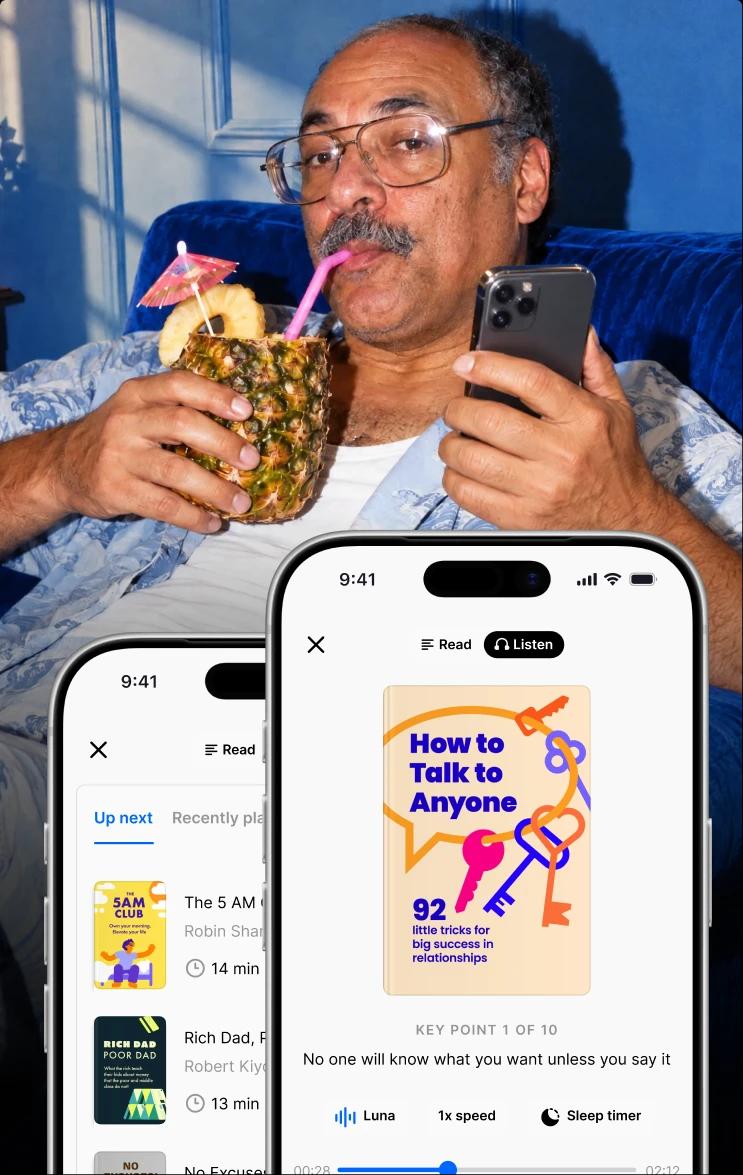
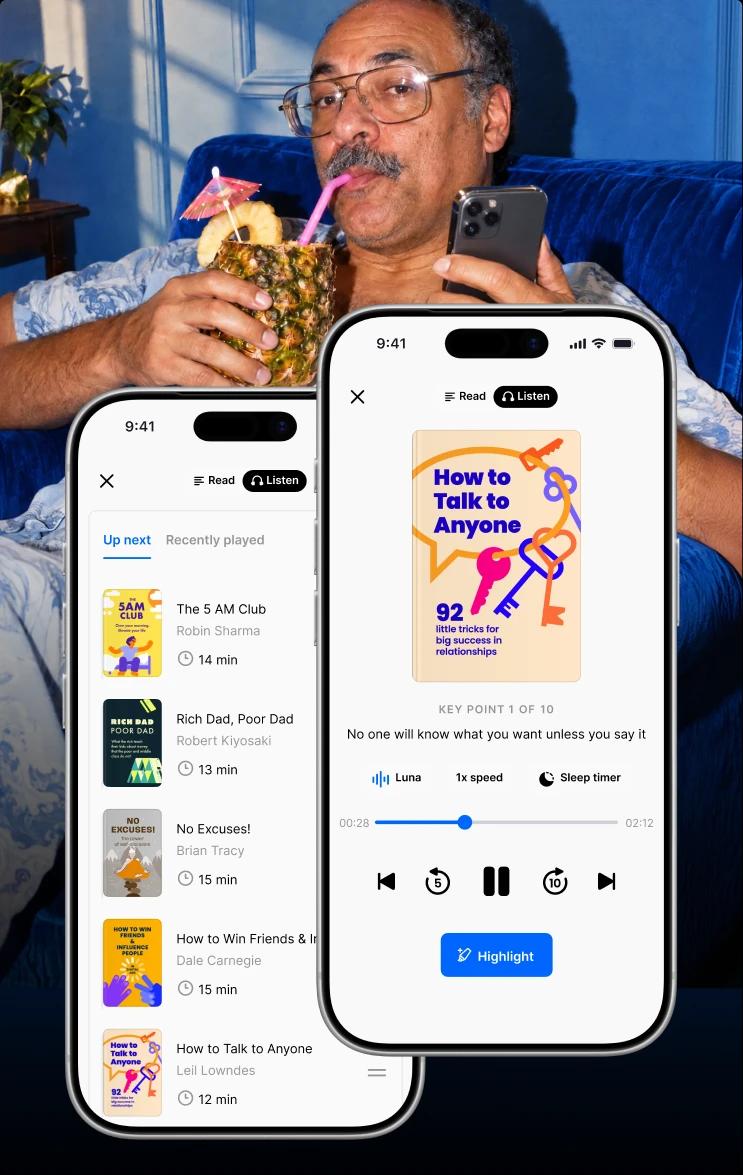
12. Headway. Autio covers the ground you're on; Headway makes the empty stretches worth something. It distills 2,500+ nonfiction books into 15-minute summaries you play hands-free through Apple CarPlay or Android Auto, download for offline listening, and line up back-to-back in an audio queue for a six-hour haul. Save a highlight with a Siri command without leaving the wheel, then pick up on your phone or the website later.
Queue 'Atomic Habits' for the drive out and 'Deep Work' for the drive home, and a dull trip becomes the best-read month you've had.
Best for: turning long, scenery-free hours into something you'll remember.
How to build a great road trip toolkit for your kind of trip
The right lineup depends on who's in the car and where you're headed.
Family trips: a navigation app, the Autio app to keep kids learning without a screen, and Booking.com for the night everyone hits a wall early.
Solo trips: Headway and Autio for company on quiet hours, plus GasBuddy so a solo budget stretches further.
Couples trips: Wanderlog to plan together, and a shared audio queue so you're both taking in the same book between stops.
RV and camping trips: The Dyrt and AllTrails, with offline maps saved before the last bar of signal disappears.
EV trips: A Better Route Planner and PlugShare first — the route bends around the chargers.
Cross-country and international trips: Google Maps and Booking.com travel almost anywhere, but confirm your gas, camping, and traffic apps cover the destination before a long journey.
By day two, one app usually becomes your favorite app — the one most travelers open without thinking. If your bigger goal is spending that downtime well, the same logic runs through apps that replace social media and daily growth apps for people who waste time on their phone.
Real Headway users on turning long drives into learning time
Plenty of people already run this play — here's how a few Headway readers fit summaries into lives with no spare hours.
"Commutes: even short drives become learning opportunities."
Ivan Karačić, freelance software developer and triathlete, fit more than 120 book summaries into four months of walks, chores, and short drives, including 'The First 20 Hours' and 'I Am Zlatan'. Read his story.
"You don't need more time in your day. You just need to be intentional about the time you're already spending."
Enrique García Galán, software engineer, swapped 20 minutes of morning scrolling for daily summaries and got through 58 books in a year, among them 'Atomic Habits' and 'Focus'. Read his story.
"Most business books have one or two core ideas buried in two hundred pages. Headway gives me those core ideas in twenty minutes."
Olena Khodos, content marketing manager, read 20 business books in three months by pre-reading summaries first, then testing ideas like Cal Newport's 'Deep Work' in real life. Read her story.
"Switching to focused reading turned that moment into something more rewarding."
Jessica Teitelbaum, revenue operations specialist, traded her morning social media habit for a summary and a walk, starting with 'Make Your Bed' by Admiral William H. McRaven. Read her story.
"I had around 20 to 30 minutes completely unused every single day."
Andrea Bagaglia, copywriter, stopped reading at 16 and rebuilt the habit years later, once he could fit summaries into gaps he was already wasting. Read his story.
None of them found extra time. They redirected time they already had, with an open mind and a full queue — and a long drive is the biggest block of it you'll get all year.
📘 Set up Headway and turn your commute into your quietest win.
Load up Headway before you pull out of the driveway
Here's the honest part. Of all the best road trip apps on this list, most solve the same problem: getting you and the car from one place to the next. That's the easy half.
The hard half is the driving itself — the flat, radio-static hours where the scenery repeats and nobody's talking. That's the gap Headway fills. It's not a navigation app and never will be; it's the reason the miles don't feel wasted.
Download it before you leave; a stack of 15-minute summaries plays hands-free and offline, whether you're crossing a state line or a stretch with no signal. It's the same bite-sized approach behind the best microlearning apps and learning apps for adults, only the classroom is your driver's seat.
Join millions of people across 170-plus countries on an app named one of TIME's World's Top 5 EdTech Companies of 2025 and App of the Day in 30-plus countries. Pack it before your next long journey, and you'll step out of the car sharper than you got in.
📘 Build your Headway plan and load the queue before you back out of the driveway.
FAQs about the best road trip apps
Do I need a separate app to plan a road trip, or is Google Maps enough?
Google Maps is enough for point-to-point routes with a few stops, and it's free. But for real itinerary planning — multi-stop routes, attractions along the way, and shared plans — a dedicated road trip planner like Roadtrippers or Wanderlog does more. Many people start planning in Google Sheets or a planner app, then hand the final route to Google Maps for turn-by-turn on the day.
When should I start planning a road trip?
For a big trip, start planning two to four weeks out. That's enough time for booking hotels and campsites before they fill, mapping a rough route, and downloading maps and audio for your next trip. Last-minute trips work too — apps like Booking.com and GasBuddy shine on the fly — but early itinerary planning gets you better prices and a lot less stress.
How do road trip apps use my current location?
Most navigation and travel apps read your current location by GPS to route you, show nearby gas and food, and, in the Autio app's case, play stories tied to the city you're in. GPS works without cell service, so location features keep running in dead zones, though live data like traffic won't refresh. You can switch location off in settings when you don't need it.
How do I save phone battery and data on a long drive?
Download maps offline, plus audio and playlists, over Wi-Fi so nothing streams all day, and keep the phone on a car charger — GPS and a bright screen burn through battery life fast. Turn down brightness and close other things you're not using. It also helps to track your usage in settings; offline-first apps like Headway use far less data than live ones.
What's the best free road trip planner app?
Wanderlog is the strongest free road trip planner for multi-stop trips and group coordination, since most core planning lives in the free version. Roadtrippers also has a solid free version that maps routes and lets you search stops, though offline maps sit behind its paid tier. For plain routing with a few stops, Google Maps stays free and reliable — an easy way to decide is to try one before you pay.
What should I listen to on a long road trip?
Music and podcasts carry the easy miles. The Autio app is great when you want the history of the towns you pass, and Headway suits the long, quiet stretches with 15-minute book summaries you queue hands-free through CarPlay. Mixing all three keeps a 10-hour journey from blurring together, and leaves you a little sharper at the far end.
Do I need to pay for the best road trip apps?
Not for the basics. Navigation, gas prices, and simple trip planning are free across most of these travel apps, and many have a helpful website you can plan on before you leave. You'll usually pay for extras like offline maps, unlimited stops, or premium audio. Autio and Headway run on subscriptions; a good rule is to start free, then pay for the one or two apps you use on every trip.