Self-growth
 Business & Career
 Success
 Communication
 Healing
 Relationships
 Psychology
 Happiness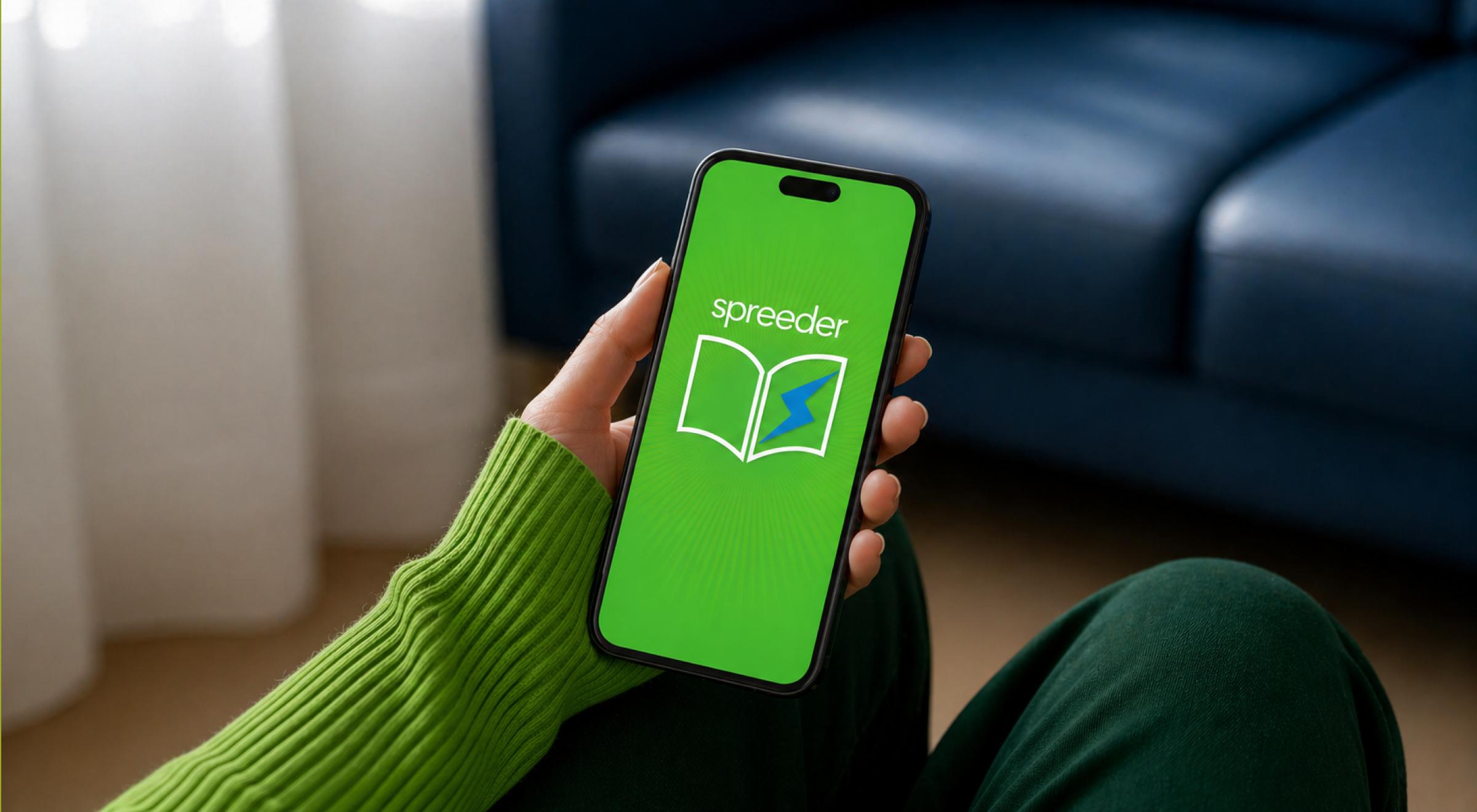

Have you ever looked at your must-read list and felt a wave of exhaustion? This feeling is a common struggle. In a world where information overload is the default setting, the gap between what you need to know and the time you have to read it is widening. Most adults read at about 200 words per minute (WPM). At that speed, finishing a single nonfiction bestseller could take you a week of dedicated evenings.
But do you actually know your own pace? Before you start training, it helps to have a baseline. You can check your current score with the Headway Reading Speed Test to see exactly where you're starting from. Knowing your number makes it much easier to track your growth as you experiment with new tools.
That's where the Spreeder App comes in. Developed by eReflect, Spreeder is designed to help you move from that average 200 WPM toward a target speed of 1,000 WPM or more. If you've been searching for a speed reading app that actually delivers results, you've likely seen this one at the top of the charts. But does it actually work, or is it just a way to skim text without really learning anything?
In this Spreeder review, we'll break down the features, the science, and the real-world user experience to see if it's the right tool for your reading goals.
Quick answer: What should you know about Spreeder?
If you're looking for the bottom line on this speed reading app, here are the most valuable facts you should know:
RSVP technology: Spreeder uses Rapid Serial Visual Presentation to flash words one by one, eliminating the time wasted as your eyes move across a line.
Core mission: The app specifically targets the habits of regression and subvocalization to help you read up to three times faster with better focus.
Expert training: It's not just a reading tool; it includes 387 hours of premium courses on memory, brain training, and productivity.
Device support: You can sync your content library across iPhone, iPad, Android, Windows, and Mac.
Pricing model: While there is a limited free version, the VIP tier offers lifetime access for a one-time fee, which many users find to be a high-value investment.
What is Spreeder, and how does it work?
Spreeder Speed Reading is a software tool that uses RSVP (Rapid Serial Visual Presentation) technology. Instead of your eyes moving across a page from left to right, the app flashes words in a single spot at a speed you control.
The method tackles the two biggest speed killers in reading: regression and subvocalization. Regression is when your eyes skip back to re-read a sentence you just processed. Subvocalization is that little voice in your head that says the words as you read them. While that voice feels helpful, it limits your reading speed to the pace of your speaking voice — usually around 150 words per minute.
Using the Spreeder Bar trains your brain to recognize words visually rather than auditorily. That shifts your reading experience from a slow, linear process into a faster, more efficient one. The app's algorithm is designed to push your boundaries gradually, making it a form of brain training that stretches your reading capacity over time.
Key Spreeder speed reading app features
When you open the app, you'll notice it's not just a simple text flasher. The Spreeder speed reading app features are built to support a long-term habit.

Stay consistent with expert-led lessons and vital stats. Start your plan.
Cloud library: You can organize and sync your reading material across your iPad, iPhone, and Android devices. That means you can start a technical paper on your desktop and finish it on the train using your phone.
Expert courses: The app includes over 387 hours of premium training. These reading courses cover everything from "Speed Reading for Study and Work" to "Super Learning & Advanced Memory." It also features courses on managing information overload and the ergonomics of reading.
AI-powered tools: The latest version features an AI-powered Copilot that can generate AI book summary snippets or transform a raw HTML link into a speed-reading drill. It's a significant update for those who want to jump straight into the core of a document.
Vocabulary builder: Beyond just speed, the app includes a vocabulary builder with lists for the SAT, GRE, and GMAT. It turns your reading time into a real double benefit for your reading skills.
Customizable preferences: You can adjust fonts, size, and line spacing. For late-night sessions, dark mode is available to reduce eye strain.
Vital stats: The app tracks your progress through a dashboard that shows your current speed vs your reading goals. You can even compete on leaderboards to stay motivated.
➡️ Once you have the speed, you'll need insights to match. See how Headway curates the most impactful takeaways from the world's best nonfiction.
User experience: The pros and cons
No Spreeder review is complete without looking at what real users say. After analyzing hundreds of Spreeder reviews from the App Store and Google Play, a clear picture emerges.
The good: Users frequently praise the massive value of the lifetime access. Many report that it replaces scrolling social media with something that actually improves their life. The Spreeder Test is a fan favorite because it gives you a clear number for your starting speed. If you've already used the Headway Reading Speed Test, you'll find it interesting to see how your results compare across different testing environments.
The bad: It's not all smooth sailing. Some users experience friction when using Spreeder for many short readings. The app often requires you to assign a title to each imported snippet. If you finish a 30-second article, the app might kick you back to the main page, which can be annoying if you're trying to power through a dozen open browser tabs.
Spreeder pricing: Free vs VIP
You can start with Spreeder Free, which gives you access to the basic RSVP engine and a limited content library. However, if you're serious about your reading habits, you'll likely look at Spreeder VIP.
Spreeder VIP: At around $7.99 USD per month (or a one-time lifetime fee), this tier unlocks the premium courses. These aren't just about reading; they cover productivity, web skills, and even Microsoft Office tutorials.
Is it worth it? If you're a student or a professional who handles a high volume of reading material daily, lifetime access is one of the most cost-effective investments in adaptive learning on the market.
📘 Upgrade smarter learning with Headway.
Spreeder vs Headway: The ultimate growth stack
While Spreeder is an incredible tool for the mechanics of reading, it requires you to provide the content. You have to find the book, the article, or the PDF and import it.
That's where Headway becomes the perfect Spreeder alternative or, better yet, its best companion. Headway provides summarized insights from thousands of bestsellers.
Think of it this way:
Use Spreeder to train your eyes to move at 1,000 WPM, using technical papers or long-form essays.
Use Headway to get the core ideas from a 400-page business book in just 15 minutes.
If you combine the two, you aren't just reading faster — you're learning smarter. You can take a Headway summary, paste the text into the Spreeder App, and consume a year's worth of wisdom in the time it takes to drink a cup of coffee. That's how you truly beat information overload.


How to use Spreeder for maximum retention
Speed is useless without retention. To make sure the information actually sticks, follow these steps:
Warm up: Start your session at a comfortable speed and increase it by 50 WPM every few minutes.
Reduce fixation: Use the app's reading exercises to train your peripheral vision. That allows you to see whole phrases at a glance rather than single words.
Utilize flashcards: After a session, use the built-in flashcards to test your reading comprehension.
Take breaks: Your brain is like a muscle. High-speed reading is a workout — use the app's settings to build in short rest periods.
Best Spreeder alternative options
If you find that the RSVP method isn't for you, there are other tools to consider:
Outread: A great Spreeder alternative for those who prefer guided reading, where the app highlights words within a full page of text.
Bionic Reading: Not an app but a font algorithm that bolds the beginning of words to let your eye glide through the text.
Headway: If you want the results of reading without the work of speed-training, Headway is the best free Spreeder alternative for busy people.
If you care not only about reading speed but also about how quickly you can gather and absorb insights, you can find detailed comparisons and reviews of these apps on our blog:
Start your growth journey with Headway
While Spreeder is a powerful tool for developing your reading skills, your growth shouldn't stop at the mechanics of reading. The real value is in the insights you gather and how you apply them. That's why over 55 million people use Headway to turn their spare minutes into a learning habit.
Headway simplifies complicated ideas into bite-sized summaries you can get through in just 15 minutes. Whether you're looking to improve your career, your relationships, or your personal wellness, the app provides a personalized growth plan tailored to your specific goals. It cuts out the friction of finding time to read consistently, without the burnout.
Instead of scrolling through social media, you can use that time to absorb the key takeaways from titles like 'Atomic Habits' or 'The Power of Now.' By pairing a speed-reading tool like Spreeder with Headway's curated insights, you build a system that keeps you learning every day. Ready to see how much you can learn today?
Frequently asked questions about the Spreeder app
Can I use Spreeder with Kindle or an eReader?
While you can't directly sync your Kindle library to the Spreeder speed reading app, you can import non-DRM files. Most users simply copy and paste the text from their eReader cloud app into the Spreeder content library to practice their reading skills on their favorite books.
How do I get a Spreeder Free Alternative for my phone?
If you're looking for a Spreeder free alternative, you can check out tools like Readsy or the basic version of Outread. However, for a fully integrated reading experience that includes progress tracking and adaptive learning courses, the free web version of Spreeder remains the strongest option available for most users.
Is the Spreeder App better on iPad or Windows?
The Spreeder app is highly versatile. While the iPad version offers a great touch-based reading experience, the Windows version is often preferred by students who need to "spreed" through long HTML documents or PDFs while taking notes. Both versions sync to the same cloud library for easy transitions.
How does Spreeder help with my daily reading goals?
By increasing your WPM, Spreeder allows you to hit your reading goals in a fraction of the time. If your goal is to read one book a week, you can achieve it by spending just 20 minutes a day in the app, significantly improving your retention and reducing information overload.
Does Spreeder work on an Android device?
Yes, Spreeder is available for Android (requiring version 6.0 or newer). It includes key features like dark mode, leaderboards, and the vocabulary builder, so you can maintain your reading habits whether you're using an iPhone or a Samsung device.