Self-growth
 Apps & Digital Tools
 Business & Career
 Success
 Growth Tools
 Psychology
 Communication
 Relationships

Headway has more than 60M downloads across 170 countries and a library of over 2,500 book summaries, so the content is rarely the problem.
What holds people back is smaller and more fixable: the daily goal is misread, the audio is fighting the phone instead of working with it, and everything worth remembering gets closed and forgotten. Learning how to make the most of Headway is mostly a matter of nine small decisions, and none of them takes longer than a coffee break.
This guide covers what counts toward a streak, how to set up listening so it survives a commute with no signal, how to keep the ideas you actually want, and how to steer recommendations toward the goals you care about now. It also flags what differs between iPhone and Android, because a fair amount does.
📘 Not on Headway yet? Take the two-minute goal quiz to see which plans fit what you want to work on.

Quick answer: How to make the most of Headway in nine habits
Nine habits cover most of it. Each one is answered in full below.
Read or listen to three key points a day. That is the whole daily goal.
Know what doesn't count. Long-form audio and the card feed are tracked separately and won't move a streak.
Download before you leave the house. Saving a summary and downloading it are two different taps.
Set the car up once. CarPlay and Android Auto both work, and neither needs setting up again.
Highlight while listening, not after. One tap in the player saves the passage you just heard.
Add insights to a review deck so they come back on a schedule instead of disappearing.
Keep your goals to the three that matter now. They drive most of what you see.
Use Search when the suggestions get repetitive. It has a mode that ignores your goals entirely.
Check the platform table below before hunting for a feature your phone may not have.
What a summary is, and what it isn't
Most confusion about Headway starts with the format itself, so it is worth settling what a summary is built to do before anything else.
Why are all summaries only 15–20 minutes — can I get a longer/deeper version?
Fifteen minutes is the design rather than a limit. Attention holds best in bursts of roughly eight to 15 minutes, so a summary is sized to be finished in one sitting instead of abandoned halfway. The audio version of a summary runs about 15–20 minutes.
For something longer, Headway also publishes long-form audio versions of the same books, with a choice of narrators. These have their own feed on iPhone and iPad. The format is not on Android yet, and it currently supports English and Spanish only.
Are summaries meant to replace the full book?
No. A summary gives you the core ideas in about 15 minutes so you can act on them this week, and it also works as a way to decide which books deserve a full read. Every summary's overview page links out to the full book, so a summary that lands well is a reason to buy the original rather than a substitute for it.
The daily goal: What keeps a streak alive
Streaks are the most misread part of the app, and two questions account for most of it.
What actually counts as a daily goal — what are the "3 key points"?
The number that matters is three. Every Headway summary is built out of key points, and reading or listening to three of them in a day keeps the day counted. That is it. There is no minute target and no requirement to finish anything.
What trips people up is what doesn't count. Long-form audio versions of books are tracked as their own thing, and so is the short card feed. Both record your progress, and neither moves the streak. If a day of listening left the counter untouched, this is almost always why.
How do streaks break, and is there a streak freeze?
A streak breaks the moment you miss a day. The current count goes back to zero, while your all-time best stays on record. There is no streak freeze and no way to pause one, so a holiday will end a long run.
The day boundary follows your own time zone rather than a server somewhere, so late-night reading lands on the day it feels like it should.
Worth knowing: the all-time best figure is shown on iPhone. Android tracks your current streak but doesn't show the historical best yet.
Making the audio work around your day, not the other way around
Audio is where Headway earns its place in a routine, and it is also where most of the setup friction lives. Four questions cover almost all of it.
Why does audio stop when I browse other books — can it keep playing in the background?
It shouldn't, and on an up-to-date app it doesn't. Playback continues when you move around the app and when you leave the app entirely, on both iPhone and Android, so an app update is the first thing to check if audio is cutting out.
What you see on the lock screen differs by platform. iPhone shows a live playback panel and uses the Dynamic Island, while Android puts a standard media notification in the shade.
How do I download for offline listening?
Tap the download icon on a summary, and it saves to your device, then plays with no connection at all. Downloads work on both platforms.
The part that catches people out: saving a summary and downloading it are not the same action. Saving puts a book in a list for later. Downloading puts the audio on your phone. If a saved summary won't play underground, it was saved but never downloaded.
Can I queue summaries into a playlist (for gym/commute)?
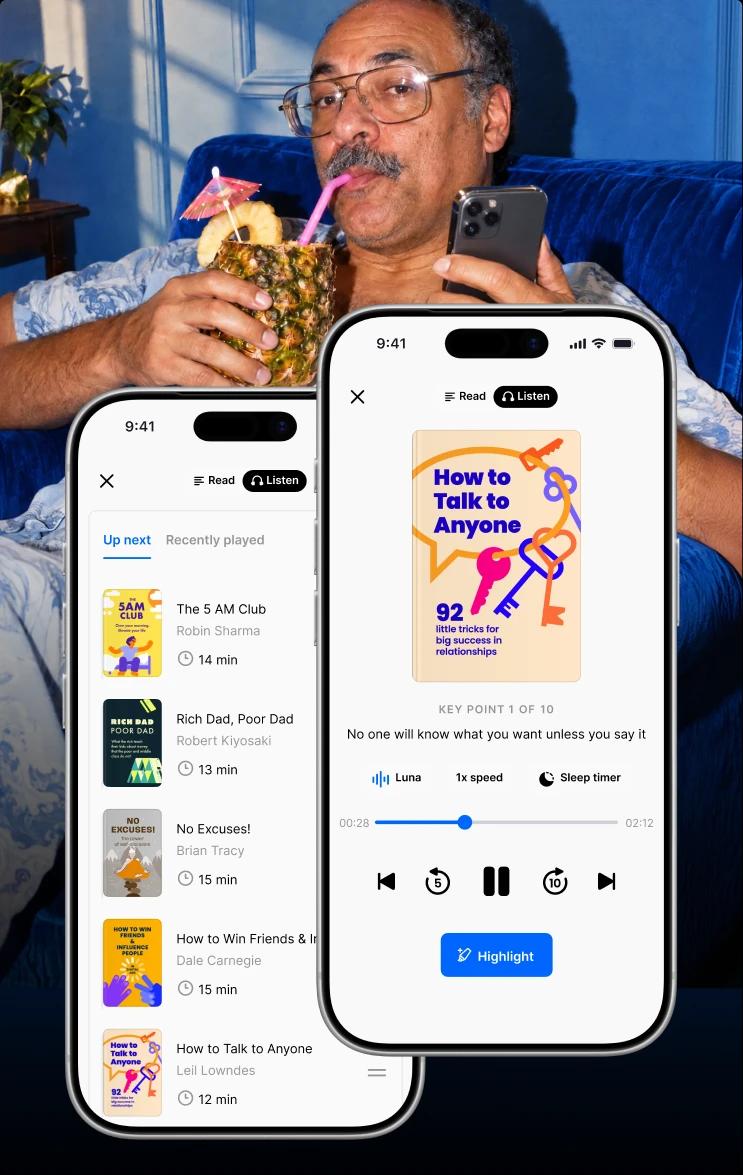
Yes for a queue, partly for playlists. The audio queue stacks summaries back to back on both iPhone and Android, which is what makes a 40-minute commute usable without touching the phone. Playback speed runs from 0.5x up to 2x and resets for each new summary, since narrators read at different natural paces.
Named collections are a separate thing and iPhone-only for now, so on Android the queue is the way to line summaries up.
How do I use CarPlay / Android Auto?
Connect the phone and Headway appears as an audio source. There is nothing to set up beyond that: CarPlay on iPhone, Android Auto on Android. You get recommendations and a browsing section. Android Auto also lets you search from the head unit.
One thing to expect: browsing works for everyone, but starting playback needs an active subscription. Without one, CarPlay shows a message explaining why, and Android Auto simply won't begin playing.
Turning what you read into something you keep
Reading a summary and remembering it are separate problems, and the second one is the reason most self-improvement reading quietly evaporates. Headway has two tools for it, and they work best together.
Where do I find all my highlights, and can I export them?
All of them sit in one place. Open the Library and go to Highlights, where they are grouped by book, newest first, and you can edit the text, delete a highlight, or share a single one.
Export is the part to set expectations on: there is no bulk export, no print option, and no way to send a summary to an e-reader. Sharing one highlight at a time through your phone's share sheet is the only way content leaves the app.
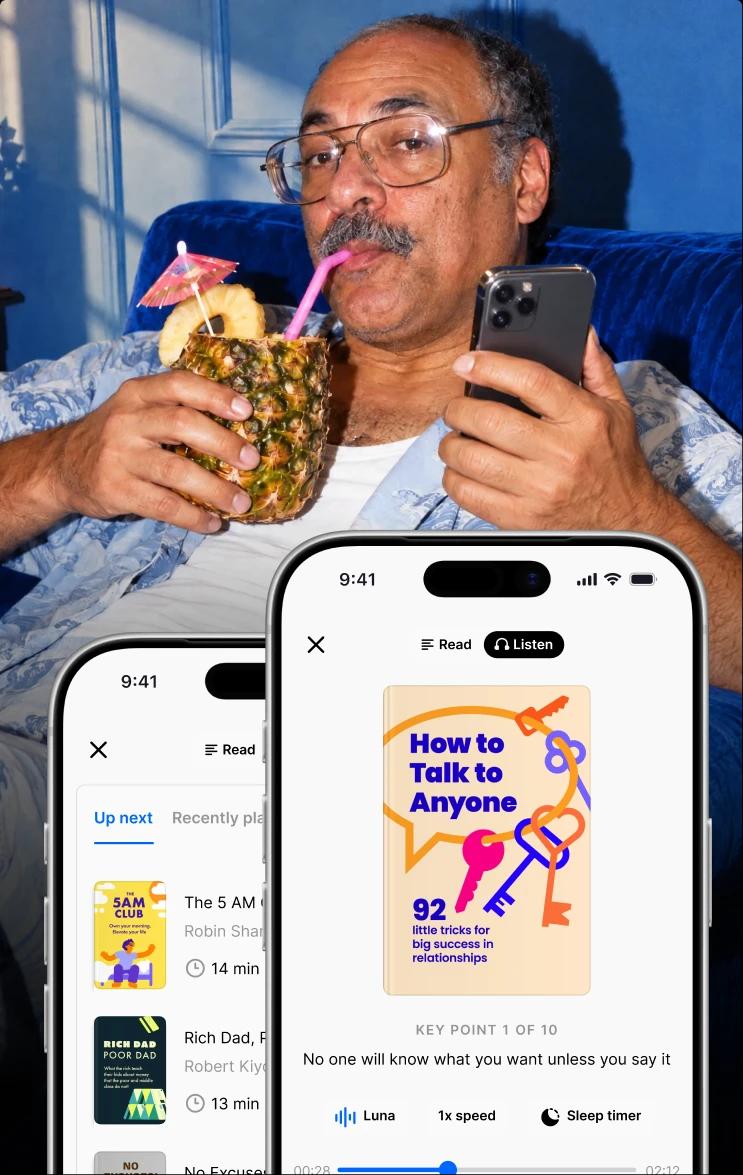
Making them is the easy part. While reading, select the text and tap highlight. While listening, tap the highlight button in the player, and the passage playing at that moment is pulled out and saved for you, which means you can capture something useful while driving without looking at the screen.
Can I save spaced-repetition cards, and how does repetition work?
Yes, and this is the part that does the most work. Add an insight from a summary to that book's deck, and vocabulary words get a deck of their own. Marking a card as remembered pushes its next appearance further out along a fixed ladder: one day, then three, seven, 14, 30, 90, 180, and 360. Marking it as forgotten sends it back to the beginning.
Those intervals are not arbitrary. Material revisited with gaps between reviews is recalled far better than the same material repeated in one sitting, which is the most established finding behind why spaced, bite-sized lessons work. The effect is that an idea you met once in February comes back in March, then May, then next winter. It stops feeling like something you read and starts feeling like something you know.
Both highlights and decks stay in place after a subscription ends.

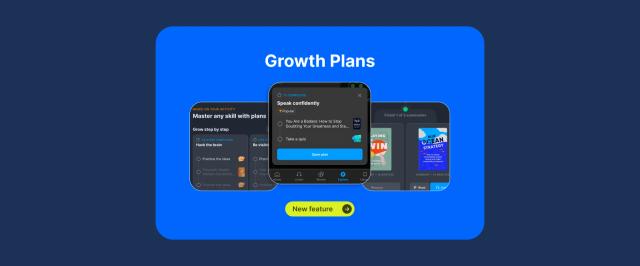
Teaching the app what you want to see next
Two separate systems are producing what you see, and knowing which is which makes them far easier to steer.
How do recommendations work — what do my quiz answers actually do?
Your onboarding answers set your goals, and your goals drive most of what you see from there. The first list is a general personalized one of up to forty books. The second is a set of rows built for each goal you selected.
Both are worked out in advance by a recommendation model that writes to your profile and refreshes in the background, so they update without you doing anything. On a brand-new account, before the model has anything to work with, you get a curated default set instead.
How do I change my goals/interests after onboarding?
At any time, from your profile. Goals are the lever with the most effect on what you see, and you can hold up to three at once, so adding a fourth means dropping one. Changing them changes the goal rows directly. There is also a manage-recommendations entry on the home screen for adjusting what surfaces.
How do I break out of the "filter bubble" of same-topic suggestions?
When suggestions start feeling narrow, three things widen them:
Change a goal. The rows follow immediately.
Browse Search and Categories. These have a general mode that isn't filtered by your goals at all.
Use Search. It queries the whole library rather than your personalized slice.
📘 Getting more specific about what you want to work on takes about two minutes. Build your plan now.
Finding your way around the library
The Library is where your own material lives, split into three sections. Summaries groups books by state, so in progress, saved to read, and finished each have their own row. Highlights holds everything you have marked. Repetition holds your review decks.
Two things the library does not currently do: there is no way to reset your progress and start fresh, beyond removing books one at a time, and search results don't indicate which books you have already read.
How do I find books I've finished / the last book I listened to?
Finished books have their own row under Summaries in the Library, next to In Progress and Saved to Read. To pick up the last thing you were listening to, use the continue entry on the home screen — it always points to your most recent unfinished summary, which is faster than going looking for it.
How do I build and organize a personal reading list?
A "Saved for later" list is created for you automatically, and you can add your own lists alongside it. Adding a book to a list also puts it in your Library, and removing the last reference to a book hides it again. This one is iPhone-only for now.
What changes between iPhone and Android
The two apps have drifted apart, mostly in what sits around the player rather than in the core of reading and listening. This is current as of early September 2026 and moves fairly often, so treat it as a snapshot.
| Feature | iPhone | Android |
|---|
Background listening | Yes | Yes |
Audio queue | Yes | Yes |
Offline downloads | Yes | Yes |
CarPlay / Android Auto | Yes | Yes |
Highlights, including from audio | Yes | Yes |
Review cards and vocabulary | Yes | Yes |
Streaks | Yes, with home and lock screen widgets | Yes, no widgets or all-time best |
Long-form audio versions of books | Yes, own feed | Not yet |
Saved lists and custom playlists | Yes | Not yet |
Learning plan as its own tab | Yes | Reachable from the home screen only |
Book cover scanning to find a summary | Yes | Not yet |
Apple Watch app | Yes | No Wear OS app |
If something in this guide isn't where you expect it, check this table before assuming the app is broken.
Where to find Headway's official policies and feature list
A few areas sit outside a how-to guide, and the official pages are the right source rather than anything secondhand:
App features for the current feature list
AI usage policy for how AI is used in the product
Subscription terms for billing cycles, renewal, and cancellation
Terms and conditions for account and usage rules
Privacy policy for what is collected and how it is handled
Make every 15 minutes count with Headway
Learning how to make the most of Headway comes down to a handful of decisions made once. Three key points a day for the streak. Downloads before you leave the house. A highlight tapped in the moment rather than remembered later. An insight added to a deck so it comes back on its own. Three goals kept current instead of whatever was true at signup.
None of that is difficult, and together it is the difference between an app you pay for and an app that changes what you know.
📘 Put these habits into practice — take a quick quiz to personalize what you want to work on.
FAQs on making the most of Headway
How does Headway pick which books to summarize, and how do I request one?
Send the title through Contact Support inside the app. The content team reviews every suggestion, and new titles are added to the library each week. It is worth searching first, since the catalog runs past 2,500 summaries and the book may already be there.
Is there text highlighting or scroll sync while audio plays?
Partly. There is no synchronized scrolling and no word-by-word text tracking during playback. What you can do is capture the moment: tap the highlight button in the player, and the passage playing at that point is pulled out and saved to your Highlights, so you keep something useful without looking at the screen.
Why do already-finished books keep appearing in recommendations?
Because the recommendation lists are built in advance and don't check what is in your library, a book you have finished can resurface. There is also no de-duplication between goal rows, so the same title can show up under two different goals. Changing your goals has a much stronger effect on what gets suggested next.
How do I mark a book "not interested" so it stops resurfacing?
There is no dedicated "not interested" control for books at the moment. Removing a book from your Library hides it from your library views, but recommendations are generated separately and don't read your library, so removal won't reliably stop it from appearing. Adjusting your goals is the more effective lever.
Where do my ratings and reviews go after I submit them?
Your star rating is saved against that book in your own library, and the app will prompt you to rate summaries you finished in the past week but haven't rated yet. The average score shown on a book is calculated across all users, so your rating shapes it rather than sets it. Written feedback sent through the app goes to the support team.
Can I add my own notes, and will they show up in repetition?
Not at present. Cards are built from the insights inside a summary and from saved vocabulary words, and there is no free-text field for writing your own note, so nothing you write will enter a deck. The nearest option is saving a highlight and editing its text, which stays in the Highlights section.
Can I print summaries or send them to Kindle?
No. There is no print option, no bulk export, and no way to send a summary to a Kindle or similar device. Sharing an individual highlight through your phone's share sheet is the only route content takes out of the app, and it works one highlight at a time.
Does progress sync across devices?
Yes, provided you are signed in with the same account on each one. Progress, highlights, and streaks all carry across, so starting a summary on a phone and finishing it in a browser works. Using a different email address on a second device is the usual reason things appear to be missing.
Can the app language be changed without changing the phone language?
Usually. Open Settings inside Headway and choose App language, which changes Headway only and leaves the rest of the phone alone. On some operating system versions, that option is unavailable, and the phone's overall language setting has to be changed instead.