Self-growth
 Apps & Digital Tools
 Business & Career
 Success
 Growth Tools
 Psychology
 Communication
 Relationships

Your iPhone can either drain your attention or sharpen the way you think. In 2026, that difference comes down to how you use AI.
With Apple Intelligence and a new generation of smarter apps, the App Store is evolving beyond quick answers. It's becoming a space for tools that support real thinking, helping you learn faster, make better decisions, and follow through on what actually matters.
Most people still use their phones passively, filling small gaps in the day with content that disappears as quickly as it arrives.
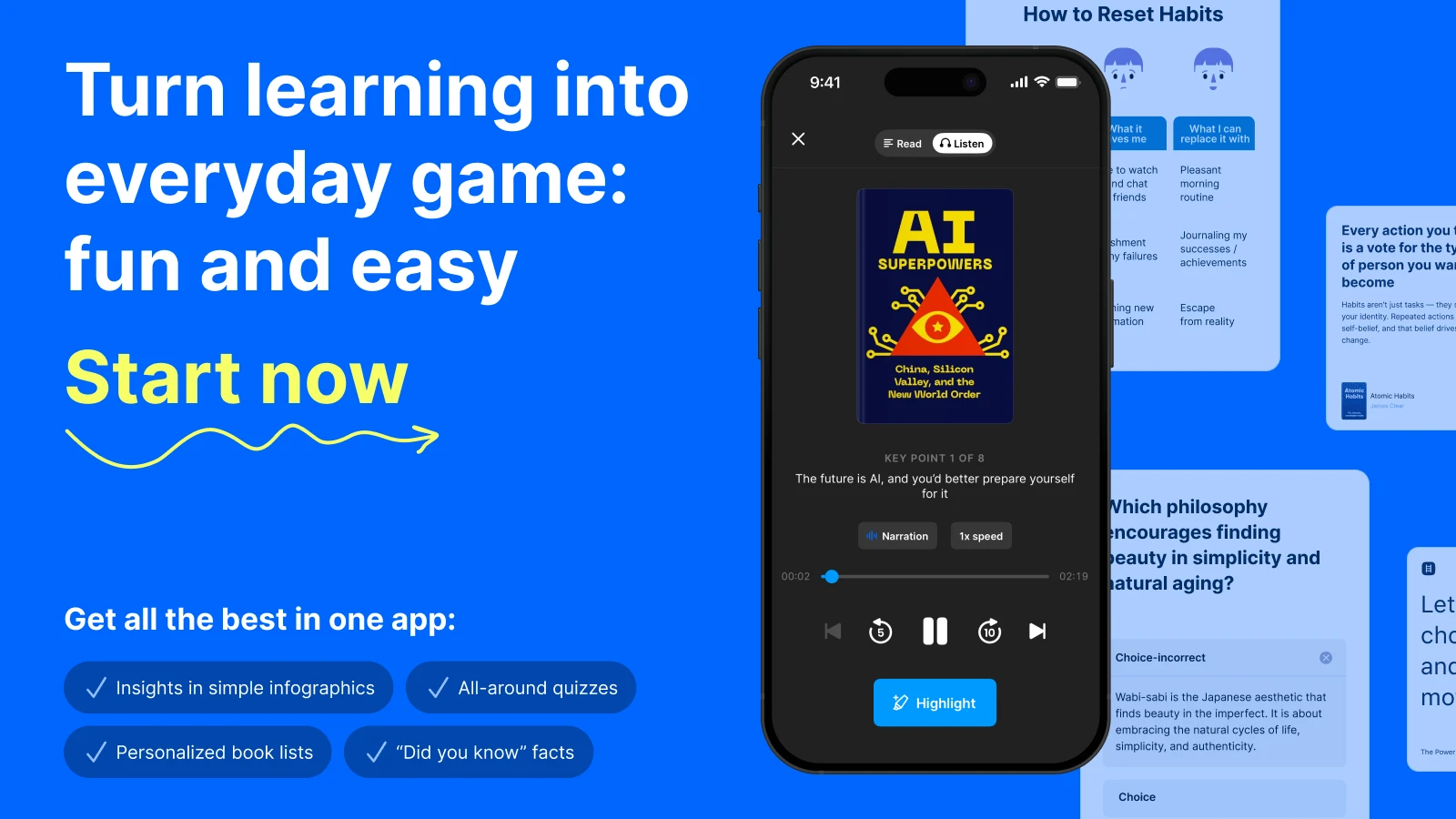
The shift happens when your screen starts supporting your growth. Instead of saving another book you'll never get back to, apps like Headway turn key ideas into 15-minute summaries you can finish on a walk, between meetings, or before bed. It's a simple way to replace scattered input with structured learning.
This guide brings together top AI apps for iPhone that turn everyday screen time into something more intentional, whether you want to stay ahead of AI trends, think more clearly, or make steady progress on your personal goals.
All app features described in this article are accurate as of August 2026. Prices may vary depending on your region, current promotions, and seasonal offers.
Quick answer: The best AI apps for iPhone in 2026 (quick comparison table)
If you're in a hurry to upgrade your iOS experience, here are the top four AI tools you should download today:
Best overall AI assistant: ChatGPT — a widely trusted tool for brainstorming and general assistance.
Best for learning and growth: Headway — Your AI-powered companion for working through book summaries and building growth plans.
Best for research and synthesis: NotebookLM — A specialized tool that turns your own documents into podcasts and study guides.
Best for real-time search: Perplexity AI — A search engine that provides cited answers instead of just links.
| App | Category | Best for | Free tier |
|---|---|---|---|
Headway | Learning and growth | Book summaries, personalized learning plans, habit building | Yes |
ChatGPT | AI assistant | Brainstorming, writing, voice conversations, coding help | Yes |
NotebookLM | Research and study | Turning your own documents into podcasts and study guides | Yes |
Perplexity | AI search | Real-time cited answers, fact-checking, research | Yes |
What makes an AI app essential for iPhone users?
Back in 2023, AI on your phone mostly felt like a novelty, something you played with in a browser or a clunky third-party app. Fast forward to 2026, and the landscape has completely shifted. Owning an iPhone today means having a useful thinking tool in your pocket that understands your habits, schedule, and goals.
According to Sensor Tower's State of AI Apps Report 2026, generative AI apps were downloaded nearly 1.7 billion times in the first half of 2026 alone — a pace of adoption that has no precedent in consumer software history.
The best iPhone apps in 2026 aren't just wrappers for a website. They are deeply integrated into the iOS ecosystem. They leverage built-in AI and Siri to make your life easier without draining your battery or compromising your privacy. This shift toward on-device intelligence is exactly why the iPhone remains the premier platform for anyone serious about growth.
An essential AI tool should offer a free version so you can test the functionality before committing. It should also support cross-platform use, meaning it works just as well on your iPad or Mac as it does on your phone. Most importantly, it should solve a specific problem, like summarizing a dense report or helping you learn a new skill during your commute. One caution: the App Store is full of copycat chatbots, so check the developer name — OpenAI, Google, Anthropic — before you download.
"AI can lead to a 20–80% improvement in productivity across a wide variety of tasks. In contrast, when steam power — the most fundamental general purpose technology of its era — improved productivity, it did so by 18–22%." — Ethan Mollick, Co-Intelligence: Living and Working with AI (2024)
Best general-purpose AI assistant apps for iPhone in 2026
These are the big players in the AI space. They act as a general AI chatbot that can handle almost anything you throw at them, from writing emails to planning a vacation. Alongside them, Microsoft Copilot, xAI’s Grok, and DeepSeek all have iOS apps worth a look — though for most people, the four below cover everything.

Maximize your productivity with leading AI. Start your custom growth plan.
ChatGPT
ChatGPT by OpenAI remains one of the most capable AI apps for a reason. In 2026, the GPT-5 model offers strong reasoning capabilities and a voice mode that feels like talking to a real person.
How to use it in 2026:
Interactive brainstorming: Use the Advanced Voice Mode to talk through a complex business problem while you're driving. It can play devil's advocate to help you refine your strategy.
Personalized content creation: Feed it a rough list of bullet points and ask it to draft a LinkedIn post that matches your unique writing style and professional tone.
On-the-go coding: Use it to debug a snippet of code or explain a complex technical document by simply taking a photo of your screen.
Gemini: Best AI assistant for Google Workspace users on iPhone
If you live in Google Workspace, Gemini is a must-have. It connects directly to your Docs, Gmail, and Drive, allowing you to summarize long threads or find specific information in your files instantly.
How to use it in 2026:
Workflow automation: Ask Gemini to find all emails related to a specific client from the last month and summarize the key action items into a single Google Doc.
Creative work: Use the built-in Gemini image tools for high-fidelity image generation and professional editing directly within the app.
Real-time voice: Go Live with Gemini for natural, real-time voice conversations — and on iPhone you can now share your camera or screen to get help with whatever is in front of you.
Claude: Best AI assistant for deep analysis and structured thinking
Claude by Anthropic is known for its human-sounding communication, but its real strength in 2026 goes far beyond writing. It's evolving into a structured thinking environment, one where you can work with complex information, build reusable workflows, and manage entire projects directly from your phone.
How to use it in 2026:
Deep analysis: Upload a 50-page industry report into a Project and ask Claude to map key risks, summarize insights, and keep track of follow-up questions, all in one place.
Creative and strategic work: Build out long-form content, product ideas, or business strategies within a Project, using Claude as an ongoing collaborator rather than a one-time prompt tool.
Reusable workflows: Set up Skills for recurring tasks, like content briefs, meeting summaries, or competitor analysis, so you don't start from scratch every time.
Replit: Best AI coding environment for iPhone
Replit is the ultimate AI-powered coding environment for your iPhone. In 2026, it has become the go-to app for developers and creators who want to build and deploy applications directly from their mobile devices.
How to use it in 2026:
AI-assisted development: Use Replit Agent to generate code, refactor existing files, or explain complex logic in plain English while you're away from your Mac.
Instant deployment: Build a prototype on your iPhone and deploy it to a live URL with a single tap, making it perfect for rapid brainstorming or quick fixes.
Collaborative coding: Invite friends or coworkers to a live Replit session on their iPads or iPhones to collaborate on a project in real time.



Best AI apps for personal growth and learning
While assistants are great for tasks, learning apps help you become a better version of yourself. Here's where AI truly shines as a mentor.
Headway: AI-powered book summaries and personalized learning plans for iPhone
Headway isn't just another book summary app. It's a personalized growth platform. In 2026, the app uses advanced AI to curate a unique learning path tailored to your goals and interests.
How to use it in 2026:
Bite-sized learning: Spend 15 minutes of your morning commute listening to a summary of a bestseller like 'Atomic Habits' to reinforce your personal growth goals.
Personalized growth plans: Tell the app what you want to achieve, like becoming a better leader, and it will generate a multi-day reading and listening path tailored to your specific needs.
Insight retention: Use the short microsessions (up to 3 minutes) to ensure the most important frameworks from the bestselling books you "read" actually stick in your long-term memory.
📘 Build smarter habits with Headway.
Nibble: AI-powered microlearning app with 5-minute quizzes for iPhone
Nibble is the AI app that turns learning into a game. If you've ever felt that traditional courses are too long, the Nibble app's 5-minute interactive quizzes and lessons are the perfect antidote.
How to use it in 2026:
Daily knowledge snacks: Use the AI-curated Daily Nibble to learn something new about art, history, or science in the time it takes to brush your teeth.
Personalized learning paths: The AI adapts the difficulty of questions based on your performance, ensuring you're always challenged but never overwhelmed.
Social learning: Compete with friends on social media by sharing your progress and challenging them to beat your high score in specific topics.
NotebookLM: AI research tool that turns your documents into study guides and podcasts
NotebookLM by Google has changed the way we handle information. Unlike general chatbots, it's grounded entirely in the sources you provide, which means it doesn't just guess. It knows. That grounding has made it one of the best AI apps for students juggling lectures, readings, and revision.
How to use it in 2026:
Source-grounded research: Upload your own class notes or work projects to create a private knowledge base that only answers using your verified information.
Audio synthesis: Turn a collection of dry research papers into an engaging, podcast-style Audio Overview that you can listen to while jogging or doing chores.
Integration mastery: Since it integrates with Gemini, you can export your Gemini-organized notes into NotebookLM to create interactive flashcards or study guides instantly.
Perplexity: AI search engine that gives cited answers instead of links
Think of Perplexity as a search engine with a brain. Instead of giving you a list of blue links, it reads the internet in real-time and provides a concise, cited answer to your query.
How to use it in 2026:
Verified fact-checking: Use it to quickly find the source of a claim you saw on social media. It provides direct links to the articles it's citing.
Buying research: Ask it to compare three different products based on the latest Reddit reviews and expert tech blogs to get a balanced recommendation.
Learning new topics: Ask "Explain quantum computing like I'm five," and follow the suggested related questions to go as deep into the subject as you want.
Best AI tools for productivity and writing
These apps focus on the how of your work. They help you automate repetitive tasks so you can focus on creativity.
Grammarly: AI writing assistant and proofreading suite for iPhone
Grammarly has evolved into a complete AI writing and productivity suite. In 2026, the app features specialized modules and a Coda mode that handles everything from proofreading to detecting AI-generated text. Its iOS keyboard brings the same AI writing help into every app you type in.
How to use it in 2026:
Grammarly Coda mode: Use this specialized interface for project-based writing, where the AI helps you manage research, drafts, and citations in a single collaborative space.
Humanizer and paraphraser: If your text feels a bit robotic, the Humanizer tool adjusts the flow to sound more natural, while the paraphraser helps you avoid repetitive phrasing.
Academic integrity: Use the built-in AI detector, plagiarism checker, and citation finder to ensure your research papers or professional docs are original and properly credited.
Otter.ai: AI meeting transcription and automated summary app for iPhone
If your day is filled with meetings, Otter.ai is a real time-saver. It provides real-time transcription for your conversations and generates automated summaries of the key takeaways.
How to use it in 2026:
Hands-free note-taking: Record your voice memos or meetings, and let Otter generate a perfectly formatted transcript with automatically identified speakers.
Meeting recaps: Use the AI chat feature to ask, "What were the three main decisions made in this meeting?" without having to listen back to the whole hour.
Action item tracking: Have Otter automatically sync your meeting's action items directly to your favorite task management app.
Best AI apps for iPhone photography and creativity
AI has revolutionized the way we create and edit visuals on our phones. You don't need to be a pro to get professional results anymore.
Canva Magic Studio
Canva has integrated AI tools directly into its iPhone app. Their Magic Studio enables instant image generation from text prompts and powerful photo editing features, including Magic Grab.
How to use it in 2026:
Instant design: Use Magic Design to turn a simple photo and a line of text into a complete set of professional-looking social media assets.
Generative expansion: If a photo is cropped too tightly, use AI to expand the background to fit a wider aspect ratio.
Text-to-Image creation: Generate unique illustrations for your blog or presentation by simply describing what you want to see.
Lensa AI
Lensa remains a popular choice for AI photo editing. It can turn your selfies into high-quality avatars or retouch portraits with AI, all with a single tap.
How to use it in 2026:
Professional portraits: Use the Magic Correction tool to quickly fix lighting and skin texture, making any phone photo look like a studio shot.
Creative avatars: Generate a set of unique profile pictures that reflect different styles, from corporate professional to futuristic cyberpunk.
Background editing: Use the AI-powered sky replacement or background blur to make your subjects pop, regardless of where the photo was taken.
How to build an AI-powered learning routine on your iPhone
Having the right AI apps is useful, but you also need a system. Here is a simple 20-minute daily routine to turn your iPhone into a consistent learning tool:
Morning (5 mins): Open Headway and listen to a Daily Insight while making coffee. Choose a topic that aligns with your current goal, like 'The 5 AM Club.'
Commute (10 mins): Use the audio version of a book summary on Headway or a Nibble quiz to dive deeper into a subject like psychology or leadership.
Work (As needed): Use ChatGPT, Claude, or Replit to brainstorm ideas, summarize long docs, or push a quick code update.
Evening (5 mins): Use a note-taking app to jot down one thing you learned today that you want to apply tomorrow.
Replace doomscrolling with microlearning!
Unlock your personalized growth plan with an app you'll actually use every day!
Try nowThe easiest way to turn scrolling into growth? Headway
The biggest challenge in 2026 isn't a lack of information. It's the constant battle for your attention. Your iPhone is a portal to everything humanity has ever learned, yet most of us use it to scroll through content that leaves us feeling drained.
Headway changes that dynamic by meeting you exactly where you are. It doesn't ask for hours of your time. It asks for a few minutes. By distilling the most impactful insights from the world's bestsellers, it helps you build a habit of consistent learning that actually sticks.
Whether you're looking to master 'Deep Work' or understand the principles of 'Why We Sleep,' Headway turns your phone into a mentor that fits in your pocket. It's the difference between ending your day with nothing to show for your screen time or ending it with a new idea you can actually use. If you're ready to make your screen time work for you, downloading Headway is a solid first step.
📘 Transform scrolling with Headway.
Frequently asked questions about the best AI apps for iPhone
Which is the best free version AI app for iPhone?
The best free version AI app is usually ChatGPT or Claude. Both offer a high level of functionality without requiring a paid subscription. You can access powerful LLM models, use voice features, and even do some image generation. That said, free versions often have usage limits during peak times, so heavy users might eventually want to upgrade to a premium plan for faster response times and advanced AI features.
Does the iPhone have built-in AI and Apple Intelligence?
Yes. In 2026, most modern iPhones feature Apple Intelligence as a core part of the operating system. This built-in AI powers things like Siri, writing tools, and photo editing. Unlike many third-party AI apps, Apple Intelligence focuses on on-device processing to protect your privacy. It works across your iPhone, iPad, and Mac to automate repetitive tasks and help you find information in your own photos, messages, and emails without uploading data to a cloud server. And if Siri still feels behind, you can point the iPhone’s Action Button at ChatGPT or Gemini — the closest thing today to replacing Siri with a smarter assistant.
What are the best AI tools for content creation on iOS?
For content creation, the best AI tools are Canva for visuals and Claude or ChatGPT for AI writing. If you're working on social media, you might also use Lensa for AI-generated photos or transcription apps for video captions. These tools allow you to go from brainstorming an idea to a finished post in minutes.
Are there any specific best AI apps for beginners?
If you're a beginner, start with Headway, Nibble, or Perplexity. Headway is incredibly easy to use because it does the hard work of summarizing complex books for you. Nibble offers a fun way to learn in short bursts. Perplexity feels like a regular search engine, but gives you much better answers. These top AI apps provide real-world value immediately and help you get comfortable with how AI assistants actually work in your daily life.
Can I use these best AI apps for iPhone offline?
While most AI chatbot tools require an internet connection to reach their servers, some apps offer limited offline functionality. For example, Headway lets you download book summaries for offline listening or reading, a great use case for travelers. NotebookLM also allows you to download your Audio Overviews. Most advanced AI models like those from OpenAI or Anthropic do require a connection to function.
How do I manage pricing for multiple AI apps?
The price of AI apps can add up quickly if you subscribe to everything. To save money, stick to one general AI assistant, like Gemini, and one specialized learning app, like Headway. Most apps also offer a free version or a trial period so you can test the functionality before you pay. Always check the App Store for bundles or family plans that might lower the overall cost. Remember, two apps you use every day will serve you better than ten you never open.