Self-growth
 Apps & Digital Tools
 Business & Career
 Success
 Growth Tools
 Psychology
 Communication
 Relationships

Ever download a habit tracker on Sunday night and forget it exists by Friday?
That gap between intention and follow-through is the whole reason Streaks exists. This Streaks app review looks at what the app tracks, what a single payment covers, where it runs out of room, and which habit-tracking apps make sense if Streaks isn't the right fit for your routine. The short version: it's a beautifully built tracker for people who live inside Apple's ecosystem and want zero subscriptions.
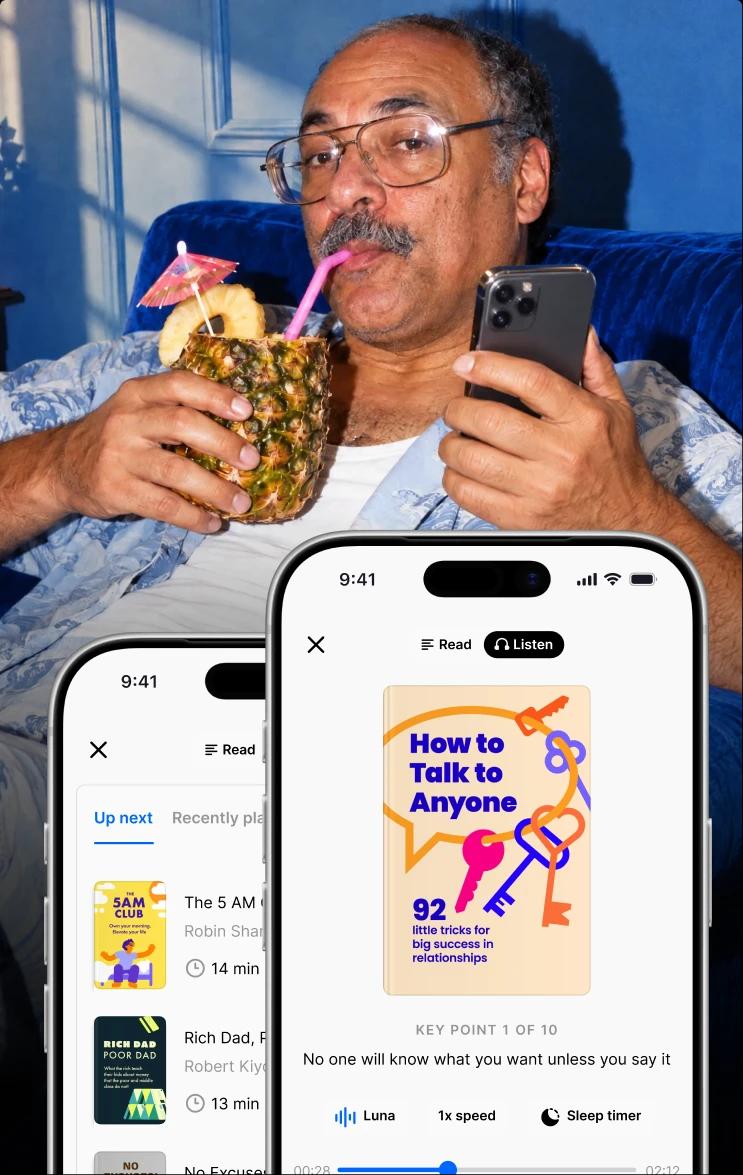
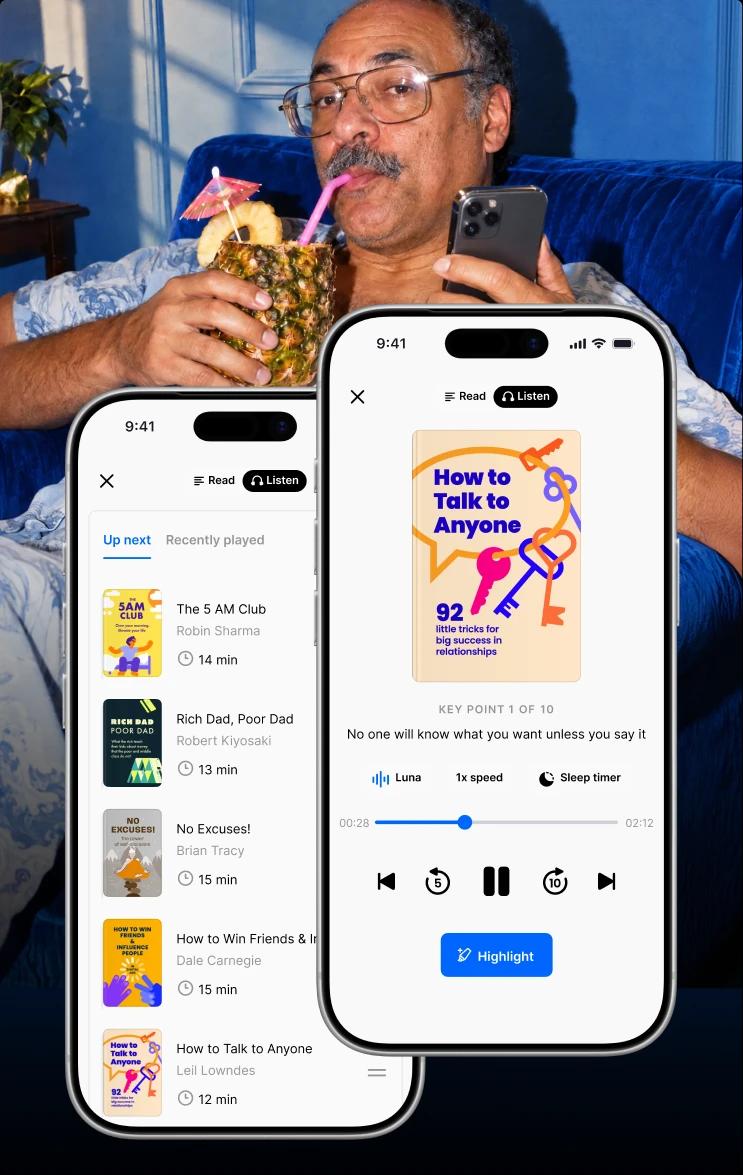
One thing a habit tracker can't do is fill the habit for you. If the task on your list says “read a book” or “learn something new,” Headway gives you a 15-minute summary — text or audio — that fits the slot you've already blocked out.
📘 See what your Headway plan looks like.
All app features described in this article are accurate as of September 2026. Pricing and features change; check the App Store listing before buying.

Quick answer: Streaks app review at a glance
Ten details below decide whether Streaks fits your routine.
| Detail | What you get |
|---|---|
What it is | A habit-forming to-do list built around consecutive-day streaks |
Developer | Crunchy Bagel Pty Ltd |
Platforms | iPhone, iPad, Apple Watch, Mac, Apple Vision Pro |
Android version | None |
Task limit | Up to 24 tasks |
Price | $5.99 one-time purchase on the US App Store |
Subscription | No |
App Store rating | 4.8 from roughly 27,000 ratings |
Recognition | Apple Design Award winner; App Store Editors' Choice |
Standout feature | Apple Health integration that completes tasks without you tapping anything |
What is the Streaks app, and how does it work?
Streaks describes itself as the to-do list that helps you form good habits, and that framing matters. It isn't a planner or a journal with habit features bolted on — the streak is the product.
You pick or create up to 24 tasks, and each day you complete one, your streak for that task grows by a day. Miss it, and the counter resets to zero. Crunchy Bagel states the logic of habit formation plainly on its own site: working on something every day helps you form a new habit, so don't break the chain.
The task list can hold anything from walking the dog to flossing your teeth to practicing Spanish. What separates Streaks from a paper tracker is that some of those tasks self-check.
How to use the Streaks app in the first ten minutes
Setup is short enough to finish before your coffee cools. Add a task, choose an icon from the library, set how often it repeats, and decide whether you want reminders.
The task creation screen asks three things: a goal, the days it applies to, and your notification preference. For health-linked tasks, Streaks shows a note explaining that the task pulls data from the Health app and may ask for permission.
Two pieces of advice from the way the app is built. Start with fewer tasks than you think you can handle, because 24 slots fill up fast and a broken streak on eight habits at once tends to end the experiment. And put your automatic tasks in first — those are the ones that survive a chaotic week.
📘 Habit tracked, habit fed: pick your first summary.
Streaks app features worth paying for
The feature set is narrow on purpose, and each piece exists to keep the chain unbroken. Here's what stands out after working through the app and its documentation.

Apple Health integration that does the tracking for you
This is the feature doing the most work in the whole app. Link a task to the iOS Health app, and Streaks marks it complete when the data shows up — no tapping required.
The company lists goals like walking 5,000 steps, measuring your heart rate, recording blood pressure, and running five miles, with more available in the app. The health task picker inside Streaks covers walking or running, cycling, swimming, heart rate zones, stand minutes, climb flights, activity rings, medication, time in daylight, and mindfulness minutes through the Health app's Mindful Minutes.
The privacy posture behind this deserves a mention, since health data is involved. Streaks accesses Health data in read-only mode after you grant permission, reads only what your chosen tasks require, and states that it does not transmit Health data to its own servers or any third party.
Task days and scheduling that forgive real life
Not every habit is a daily habit, and Streaks handles that without penalizing you. The Task Days screen lets you choose specific days of the week, a number of days per week, a number of days per month, or an every-other-day cadence.
The examples are refreshingly ordinary: walking to work Monday through Friday, hitting the gym three days per week, calling your parents every Wednesday, avoiding junk food Sunday through Friday. Set the schedule correctly, and a Saturday off doesn't cost you your streak.
Timed tasks and negative tasks widen what you can track
A 2016 meta-analysis in Psychological Bulletin pooled 138 randomized trials and nearly 20,000 participants, and found that prompting people to monitor their progress made them measurably more likely to reach the goal — with the effect strongest when the record was physically written down. Quitting smoking was among the goals those trials tested.
Negative tasks put that finding to work. A task like “don't smoke” counts a day of not doing something, so avoidance earns the same visible chain as any habit you actively perform.
Timed tasks handle the opposite problem. A “read a book, 10 minutes” task runs a built-in countdown instead of trusting your memory, and recent versions fire system alarms while a timer is running.
The Apple Watch app, widgets, and Shortcuts
Streaks treats the Apple Watch as a working surface rather than a notification relay. The Apple Watch app offers complications and widgets that show which tasks remain for the day, what's in progress, and a one-tap way to mark something complete.
On iPhone and iPad, home screen widgets keep the day's tasks and your current streak visible without opening the app. Streaks also supports Siri Shortcuts, which is where power users get creative — automations can log a task when another app opens or when a workout ends. iCloud sync carries your task history across your devices.
📘 15 minutes, one big idea: match Headway to your goals.


Statistics that show you when the habit really happens
The stats screen is more thoughtful than the streak counter suggests. It reports your best streak, an all-time completion percentage, and total completions since the day you created the task.
Below that sit two charts: a line graph of your consistency over time and a completions breakdown by day of the week and by hour. That second chart is the useful one, because it tells you when you get things done — and by extension, where a new habit is most likely to stick.
Customization options: 78 themes and 600-plus task icons
Streaks leans hard into looking good, which is part of why it won an Apple Design Award. The app ships with 78 color themes and more than 600 task icons, plus support for dark and tinted app icon styles on newer iOS versions.
There's also a small journaling field for a daily note, and a “Break It Down” prompt that suggests easier alternative ways to complete a task on days when the full version isn't happening. Task sharing lets you share an individual task with another user so they can see your progress, with all shared data living in iCloud rather than on the developer's servers.
Streaks app price: What one payment covers
Streaks costs $5.99 as a one-time purchase on the US App Store, with no subscription tier and no recurring charge. Regional pricing differs, and the developer's site links to both the App Store and the Mac App Store, so check the listing to see which of your devices a purchase covers.
For a category where monthly billing is the norm, paying once is the headline. Two months of a subscription habit tracker costs more than owning Streaks outright, and the app has shipped major updates for years without asking for a renewal.
The trade-off is that there's no free tier. You can't test the interface before buying, and the 24-task ceiling is the ceiling — there's no paid upgrade that raises it.
Streaks app pros and cons
Every tracker makes choices, and Streaks makes sharper ones than most.
What works: automatic tracking, one payment, and watch polish
One payment, no subscription: $5.99 once, with years of updates behind it.
Automatic completion: Health-linked tasks close themselves, which removes the most common failure point in habit tracking — forgetting to log.
Apple Watch execution: Complications and watch widgets make marking a task complete a two-second action.
Scheduling flexibility: Weekday-only, three-times-weekly, and every-other-day patterns all count properly toward a streak.
Design and customization: 78 themes and 600-plus icons, on an interface that earned an Apple Design Award.
Privacy stance: Health data stays on your device and in your iCloud, per the developer's privacy policy.
Where it falls short: platform lock-in and a hard task ceiling
Apple only: No Android version, no web version. Switch phones and your history stays behind.
A hard 24-task limit: Generous for most people, restrictive for anyone tracking habits alongside chores and medications.
No free version: You buy before you try.
The reset cuts both ways: A counter that returns to zero is a strong motivator right up until the day it isn't. If a broken chain has ever ended a habit for you, decide that before you build eight of them.
Tracking isn't content: Streaks confirms that you did the thing. It has no opinion about what the thing should be.
Is the Streaks app worth it?
For an iPhone owner who wants an attractive tracker and refuses to add another subscription, yes. The Health integration alone justifies the price if even two or three of your habits are fitness-related, and the design holds up against apps charging monthly.
It's a weaker fit if you use Android or share tracking with a partner on a different platform, if you want deep analytics and data export, or if streak pressure tends to backfire on you. In those cases, one of the alternatives below is the better first stop.
The part a habit tracker leaves to you
Here's the limitation nobody markets: a habit tracker measures attendance. Whether the 15 minutes you logged were worth logging is a separate question entirely.
A task that says “read a book, 10 minutes” is one of the harder ones to keep, because the check mark depends on having something ready to read, deciding it's the right book, and getting far enough in to feel like the day counted. That decision cost is what quietly kills reading habits. And it's exactly the friction that Headway was built around — bite-sized book summaries that finish inside the window you set.
What people who kept the habit did differently
Four Headway users described the same pattern in their own words, and none of them started with willpower.
Enrique García Galán, a software engineer and PhD researcher, replaced 20 minutes of morning scrolling with daily learning by anchoring the habit to breakfast rather than to a time on the clock. He absorbed ideas from 58 book summaries over a year and leaned on the streak on days when motivation was missing. He's also candid about the ramp-up:
It took a month before opening Headway after breakfast felt automatic, rather than something I had to remind myself to do.
His fallback rule pairs neatly with any tracker: if you miss a day, make sure you do it the next one. One gap doesn't have to become a week.
Ivan Karačić, a freelance developer, triathlete, and parent of three, built his habit around a 5:30 a.m. walk and finished more than 120 summaries in four months without a missed day. Audio is what made it possible — he listens while walking, during chores, on short drives, and on recovery runs.
“I put on my headphones and open Headway before I even lock the door.” — Ivan Karačić, Freelance Software Developer and Startup Founder
That's the same territory Streaks is built for. If your tracked tasks include walking 5,000 steps or a cycling session, the audio runs in the background while the Health data closes the task on its own — two habits, one block of time.
Andrea Bagaglia, a copywriter and marketing consultant, stopped reading at 16 and got the habit back years later. His account of what pulled him in is instructive for anyone weighing a habit tracker: the streak and the home screen widgets did more for his consistency than any resolution had.
Rahaf Sobh, an Information Systems and Statistics student, used Headway for two months and found her window in the minutes she already had — a summary during her morning routine, another before bed. Nothing was added to her schedule.
And for a longer arc, Nicola Curtis from Headway's editorial team documented six months of microlearning month by month: 15 minutes a day in month one to build the routine, sharper focus by month two, and retention gains showing up around month five.
📘 Every tracked habit needs something in it: find your now.
Streaks and Headway: Two different jobs
These apps aren't competitors, and pretending otherwise would be silly. One counts the days; the other supplies what happens inside them.
Headway runs its own progress tracking — daily streaks, Recaps that resurface the core ideas from a summary, and Highlights you can save in both audio and reading modes. A single session can take as little as three minutes, which is the part that keeps a chain alive on a bad day.
Plans in the US start at $13.41 for one month, $19.98 for three months, and $52.99 for 12 months as a first payment. Prices vary by region and current offer, and the app shows your exact total before checkout.
Worth knowing: 55+ million people have downloaded Headway. It's been App of the Day in 30+ countries, and Headway Inc placed fourth on TIME's list of the world's top five EdTech companies in 2025.
📘 Learn on the move: find your first insight.
Streaks app alternatives: Four apps like Streaks worth comparing
If the Apple-only limitation or the streak-reset model doesn't suit you, these habit tracker apps take different approaches to the same problem.
Streaks vs Habitify
Habitify is the cross-platform answer. It runs on iOS, Android, macOS, and the web, which makes it the obvious pick if you switch between an iPhone and a work laptop, or if your accountability partner is on Android.
Habitify's analytics and logging are strong, and it offers a free tier with a habit cap plus paid plans. The trade-off against Streaks is the pricing model — you're renting rather than buying — and the Apple Watch experience isn't as deeply integrated.
Streaks vs Habitica
Habitica turns habit building into a role-playing game. Your habits feed a character, quests and parties add social accountability, and the free tier is unusually generous.
It's the strongest option for anyone who finds a bare streak counter uninspiring, and it works on iOS, Android, and the web. It also asks more of you: there's no Apple Health-style automatic completion, and the RPG layer is either delightful or an obstacle depending on your temperament.
Streaks vs Way of Life
Way of Life uses a simple yes/no/skip system and color-coded chains, with a note field attached to every check-in. If you want to see trends and record why a day went the way it did, this is the closer fit.
It's available on iOS and Android with a free tier limited to a handful of habits. The interface is plainer than Streaks, and it does less with Apple's hardware.
Streaks vs Strides
Strides stays inside the Apple ecosystem but takes a goal-tracking angle rather than a pure streak angle. It supports several tracking modes per item — targets, averages, milestones, and habit chains — which suits measurable goals like weight, savings, or weekly mileage.
That flexibility comes with a subscription and a busier interface. For someone who mostly wants a chain not to break, Streaks stays simpler.
What to put in the task once you've built the slot
The tracker is only half the setup. If your habit list includes learning, these reviews cover the apps people slot into those tasks:
| Streaks | Headway | |
|---|---|---|
Core job | Tracking whether a habit happened | Delivering the content you consume during it |
Format | Task icons, streak counters, statistics | Book summaries in text and audio, 12–20 minutes each |
Library | Not applicable | 2,500+ bestselling titles |
Automatic tracking | Yes, via Apple Health | Progress and streaks tracked in-app |
Platforms | Apple devices | iOS, Android, web, Apple CarPlay, Android Auto |
Where data lives | On your device and in your iCloud | Downloadable summaries for offline use |
Hands-free option | Apple Watch complications | Audio summaries, CarPlay and Android Auto, Siri and Apple Shortcuts |
Pricing model | One-time purchase | Subscription plans |
Best suited to | Anyone building routines across health, chores, and personal goals | Anyone whose routine includes learning, reading, or listening |
“Read a book” tasks: Headway vs Blinkist compares the two best-known summary apps, and Is Blinkist worth it digs into the subscription question.
Listening tasks: Is Audible worth it weighs full audiobooks against shorter formats for a daily commute.
Reading what you've saved: the Matter app review looks at read-later tools, and PangoBooks is for the physical-book side of the habit.
“Practice Spanish” tasks: Rosetta Stone vs Duolingo breaks down the two main paths for language practice.
Study tasks: the Brainly review covers homework help for students tracking study habits.
Keep your streak fed with Headway
This Streaks app review shows that the habit tracker solves the memory problem. It won't solve the harder one — having something ready that makes the 15 minutes worth protecting.
That's where Headway fits into a habit stack. Key ideas from 2,500+ bestselling books in text or audio, sessions short enough to finish on a bad day, and a library covering psychology, productivity, communication, business, health, and relationships. Listen during the walk you're already taking, read during the coffee you're already drinking, and the task closes itself.
Answer a few questions about your goals and available time, and Headway builds a plan around them.
FAQs about the Streaks app and habit tracking
Is the Streaks app free?
No. Streaks is a paid app with no free tier and no trial, so you buy before testing the interface. As of September 2026, the Streaks app price is $5.99 on the US App Store, paid once. There's no Streaks app subscription and no in-app upgrade required for the full feature set, which makes that one-time purchase your total cost.
Does the Streaks app work on Android?
No. Streaks is Apple-only, running on iPhone, iPad, Apple Watch, Mac, and Apple Vision Pro, with iCloud sync tying them together. If you use Android, or want to share habit tracking with someone who does, Habitify or Habitica cover more platforms. That Apple-only focus is also why the Health app and watch integrations run as deep as they do.
What happens to your habit streak if you miss a day?
The counter for that task returns to zero. Streaks doesn't advertise a vacation mode or a skip day, so the practical protection is scheduling: set a task to weekdays only or three days per week, and your days off stop counting against you. Getting the cadence right at setup matters more than willpower later.
How many habits should you track at the same time?
Fewer than the 24 slots invite. Both behavioral psychology and plain experience point the same way — a short list of recurring habits you can hold through a bad week produces more habit consistency than a full board you abandon by month two. Start with two or three, then add one once the first few stop requiring thought.
Do habit tracker apps help you build habits, or only record them?
Recording is part of the mechanism. A visible chain and progress tracking give you feedback the habit itself never provides, which is the whole basis of habit formation by streak. What no tracker supplies is the content or the motivation. Automatic habit tracking through Apple Health also survives busy weeks better than manual habit tracking that depends on you remembering.
What's the difference between a habit tracker and a to-do list?
A to-do list clears items and forgets them; a habit tracker measures repetition over time. Streaks blends the two deliberately — the developer calls it the to-do list that helps you form good habits — so a completed task feeds a streak rather than vanishing. If you need deadlines, projects, and delegation, a task manager beats a routine tracker.
Can you use Streaks without an Apple Watch?
Yes. Streaks runs on iPhone, iPad, Mac, and Apple Vision Pro, and home screen widgets plus custom reminders cover most of what the watch complications do. The watch mainly speeds up marking tasks complete and checking what's left at a glance. The real Streaks app limitations are the platform lock-in and the 24-task cap, not the hardware you pair it with.
Streaks vs Habitify: which should you choose?
Choose Streaks if you're committed to Apple hardware, want automatic completion through Apple Health, and prefer paying once. Choose Habitify if you move between iOS, Android, macOS, and the web, or want deeper analytics and data export. On the narrower question of the best habit tracker for iPhone, Streaks wins on polish and billing, while Habitify wins on reach.