Self-growth
 Apps & Digital Tools
 Business & Career
 Success
 Growth Tools
 Psychology
 Communication
 Relationships

Research from the University of California, Irvine, found it takes an average of 23 minutes and 15 seconds to get back to a task after a single interruption. That's a big reason people go looking for an app to guard their attention. This Opal app review is an honest, editorial look at one of the most popular tools built to do exactly that.
So what is the Opal app? Opal is a screen time app for iPhone and Mac that blocks distracting apps and websites and tracks your focus. You probably already know you pick up your phone too much. The real question is if Opal fixes that, or if you need something more.
📘 And if your goal is turning reclaimed minutes into steady growth, Headway can help you get there!
Quick summary: What this Opal app review covers in one scroll
If you're short on time, here's the basic rundown:
Opal is a screen time and focus app for iPhone, Mac, and a lighter Android version.
It blocks distracting apps and websites on a schedule or on demand.
Deep Focus mode locks a session so you can't quit early.
It gamifies focus with gems, streaks, a focus score, and a leaderboard.
Free to start, but full features need Opal Pro at about $99.99 a year.
Keep reading for the full breakdown, real pricing, and a smarter habit to try.
What is the Opal app, and how does it work?
At its core, the Opal app is an app blocker. You pick the apps and sites you want to stay away from, set a schedule or start a session on the spot, and the Opal app blocker keeps them shut for that window.
Here's how it works, step by step:
Opal runs on Apple's Screen Time API, the same system behind Apple's own screen time limits.
You build a blocklist of apps and sites, then block apps on a timer or a recurring calendar.
There are three session levels: Normal (cancel anytime), Timeout (rising delays before a break), and Deep Focus (no early exit).
It can block websites in Safari too, even in private browsing, so the web version isn't an easy loophole.
Unlike blockers that route your traffic through a VPN, Opal leans on Apple's Screen Time API and keeps things on your device.
Opal was founded by Kenneth Schlenker, who spent his early career at Google, and it was one of the first apps built on Apple's Screen Time API. It runs on iPhone and Mac (macOS), with a lighter Android version added later.
Opal app features that matter
Opal packs in a lot. Here are the features that carry the app, with one line on what each does:
Focus sessions and Deep Focus mode: timed blocks, and Deep Focus can't be canceled once it starts.
App limits and open limits: daily time caps, plus a limit on how often you open a given app.
Smart schedules: recurring screen time limits for work, study, bedtime, or family time.
Detailed analytics: pickups, app usage, productive versus distracting time, and focus hours in weekly reports.
Gems, streaks, and milestones: a gamification layer with focus gems, a daily focus score (your Opal Score), and shareable milestones.
Leaderboard and co-working: challenge friends on a leaderboard or focus alongside others for accountability.
Does the gamified layer keep working for months? That's personal. Some people love streaks and a rising gamified score, and others tune it out after a few weeks.
📘 Turn commutes and coffee breaks into learning with Headway.
Opal app pricing explained
So, how much does the Opal app cost in 2026? Opal is free to start, but the features that make it work sit behind Opal Pro. Here's the full Opal app pricing breakdown.
| Plan | Price | What's included |
|---|---|---|
Free | $0 | App limits, basic blocking, analytics; no Deep Focus, limited sessions |
Opal Pro (annual) | ~$99.99/year (about $8.29/mo) | Deep Focus, unlimited sessions, full analytics, all features |
Opal Pro (monthly) | ~$19.99/month | The same Pro features, billed monthly |
Lifetime | ~$399 one-time | All Pro features, no recurring charge |
Student | Up to 50% off Pro | Discounted Pro for verified students |
Here's the catch on the Opal app cost: the free tier works fine as a trial, but Deep Focus, the one mode that's hard to bypass, lives behind the paywall. So is the Opal app free in a way that changes your habits?
And two questions come up constantly: is the Opal app free, and how much is the Opal app going to run you long-term?
The good: Opal app pros
Opal has earned its fans for real reasons:
Polished, pleasant interface that makes daily use feel low-friction.
Analytics that go further than Apple's built-in screen time app.
Deep Focus creates real accountability, since deleting the app doesn't lift the block.
It can block websites as well as apps, closing the Safari and private browsing loophole.
Privacy-friendly, because your browsing data is processed on your device and doesn't leave your phone.
The catch: Opal app cons
No app is perfect, and Opal's trade-offs are worth knowing before you pay:
For some people, it might be pricey to pay $99.99 a year for a blocker.
The best mode (Deep Focus) sits behind the paywall, so the free tier is closer to a trial.
iPhone-first, so the Android and Mac experiences are just a bit weaker and can lag or glitch.
Still bypassable, because a determined user can switch Opal off in Screen Time settings.
Recurring gripes about sync accuracy and auto-renewal billing surprises.
There's a bigger point, too. A blocker takes a habit away, but it doesn't hand you a better one. The time you get back still needs something worth doing, especially if you're after real deep work rather than a lower number on a chart.



What users say about the Opal app
User feedback lands on both sides, which is a good sign for an honest read. On the positive side, many people report clearly lower screen time and better focus, and they praise the clean design and the friction Deep Focus adds.
On the App Store, Opal holds about 4.8 out of 5 across 73,000-plus ratings and carries an Editors' Choice badge. Opal also says its members save an average of 1 hour and 23 minutes a day, though that's the company's own number, not an independent study.
On the mixed side, users mention occasional bugs when adding apps to block, easy-to-bypass sessions, and doubts that app blocking alone addresses the deeper habit behind excessive phone use.
Is the Opal app free and safe?
Is the Opal app free? Yes, there's a free version, but Deep Focus and unlimited sessions require Pro, so the free tier is really a trial you don't pay for.
Is the Opal app safe? Yes, it's safe by design. Opal uses Apple's Screen Time API and processes your browsing data on your device, so your private browsing history never gets shipped off to a server. Is the Opal app safe to use day to day? It comes down to a low privacy risk.
Plenty of people pair a blocker with other wellbeing tools to reshape their digital habits instead of leaning on a single app for everything.

Turn the time Opal frees up into daily growth with Headway!
Opal is good at one thing: taking the distraction away. But a blocked feed leaves a gap, and reading is one of the smartest ways to fill it. That's where Headway comes in. It doesn't block apps. It gives you a better reason to put the phone down and grow.
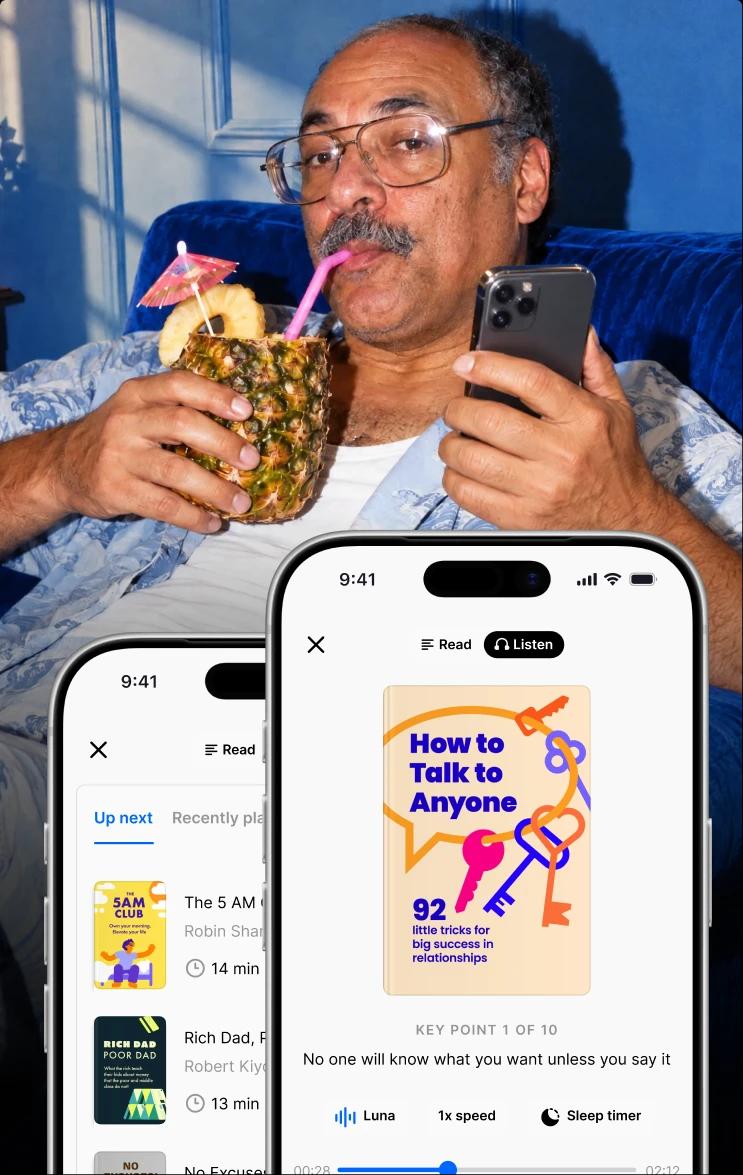
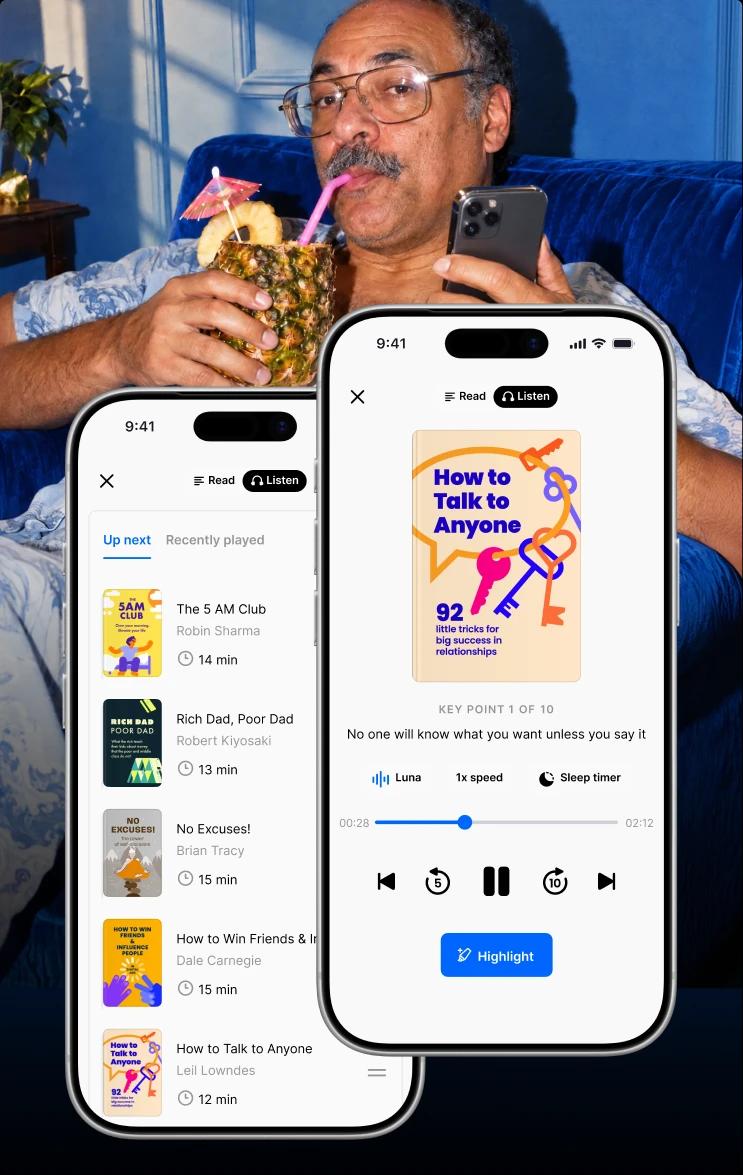
Headway turns nonfiction bestsellers into bite-sized text and audio summaries you can get through in about 15 minutes. It builds personalized growth plans around your goals, uses spaced repetition, and highlights so ideas stick.
Also, the app works offline for flights and commutes, supports Apple CarPlay and Android Auto for hands-free listening, and keeps you going with daily streaks. It works like a nonfiction curator in your pocket.
Comparing learning apps? It's worth a look at Blinkist, and if you lean audio-first, an Audible subscription.
📘 When you're set, start with Headway and turn the minutes Opal gives back into real progress!
*This review was prepared by the Headway editorial team and is current as of July, 2026. App prices, ratings, and features can change, so check the App Store, Google Play, Trustpilot, and the app's official site for the latest updates.
FAQs about the Opal app review
What is the Opal app used for?
Opal is a screen time and focus app for iPhone and Mac. People use it to block distracting apps and websites during work, study, or sleep, then track how their focus changes over time with reports, a focus score, and gamified rewards like streaks and milestones.
Is the Opal app free?
Yes, there's a free tier that includes basic app blocking, app limits, and analytics. But the mode that makes Opal hard to get around, Deep Focus, plus unlimited sessions and full analytics, all require Opal Pro. In practice, the free version works best as a trial before you commit.
How much does the Opal app cost?
Pricing for Opal Pro is around $99.99 per year ($8.29 per month) or $19.99 when charged monthly. A one-time lifetime plan is also available at $399 and is available to verified students at a discount of 50% off on Opal Pro, and the regular price of plans may change and should be checked.
Is the Opal app safe?
Yes, the app is secure and safe as it uses Apple's Screen Time and local processing. It means browsing history cannot be sent to the company server. The only thing is that you may end up paying for a service that you may not use fully, so you need to ensure it's exactly what yoy need.
Does the Opal app work on Android?
The app is available on Android, although it is not as powerful as the one on iPhone. As Android does not have a robust Screen Time API like that in Apple devices, the blocking cannot be as rigorous; the standard version contains ads, and some features might be limited. Opal is still the iPhone-centric application, nonetheless.
Can you bypass the Opal app?
Yes, it is possible for Normal and Timeout sessions. As for Deep Focus, a user cannot end it in the middle of the session, and deleting the app does not remove the restriction, although a motivated user might disable the app in the Screen Time settings.
Is the Opal app worth it?
It depends on how you use your phone. For heavy daily users who need strict accountability and rich analytics, Deep Focus can justify the price. For casual users, or anyone happy with Apple's free Screen Time, $99.99 a year might be a lot to spend on a blocker.
What are the best Opal app alternatives?
Apple has a standard app that is free and does the job. There are many other similar apps that offer better pricing and a multi-platform approach to the application. Furthermore, if a person aims to use the saved time for self-education, then they would find a par-enough app like Headway useful.